
Thelio Mega (External Overview)
Back overview:
Section titled “Back overview:”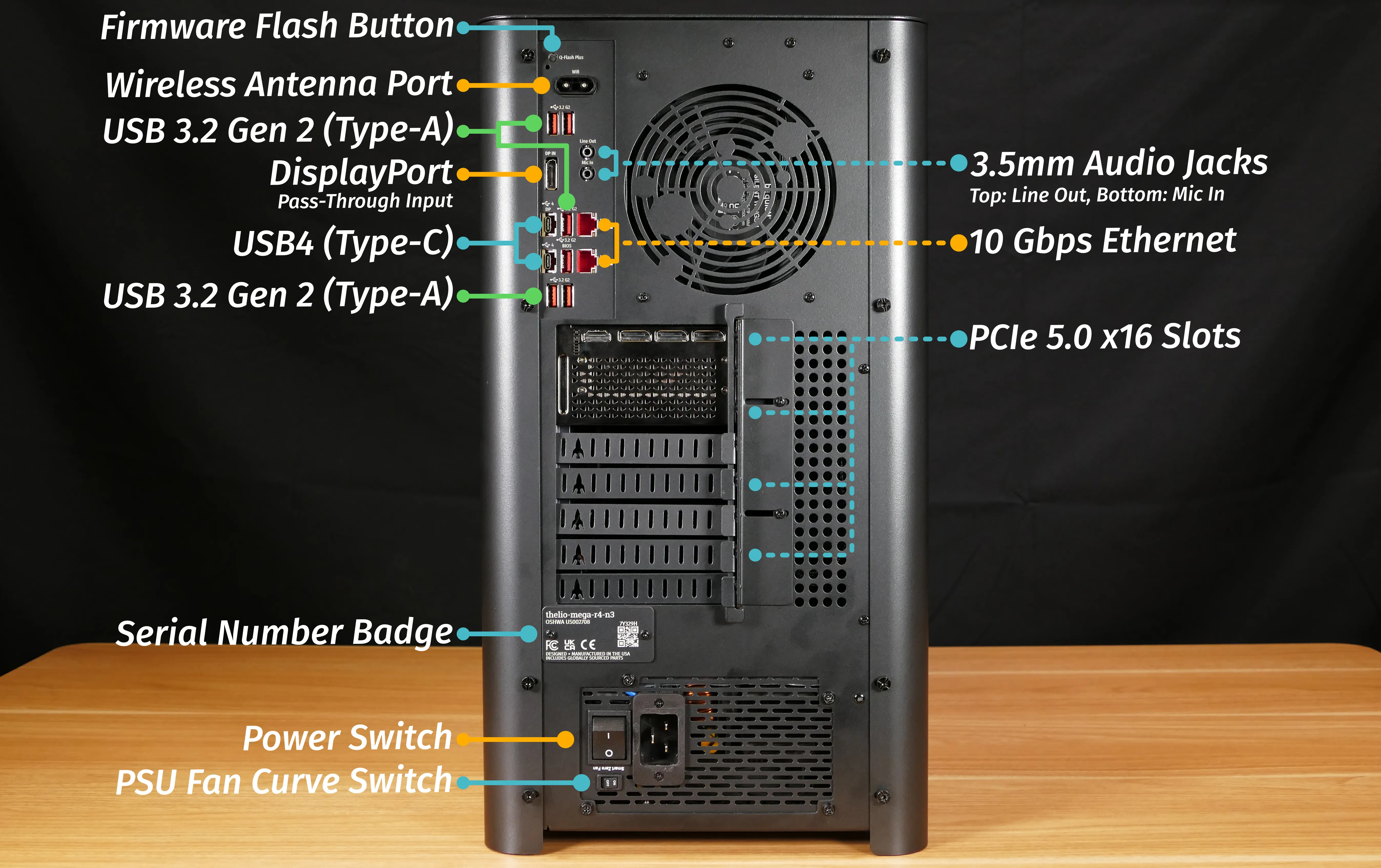
Firmware Flash Button:
Section titled “Firmware Flash Button:”- The firmware flash button (labeled
Q-Flash Plus) is not needed when performing UEFI firmware updates via the System76 Firmware Manager. Use of this button is not recommended.
Wireless Antenna:
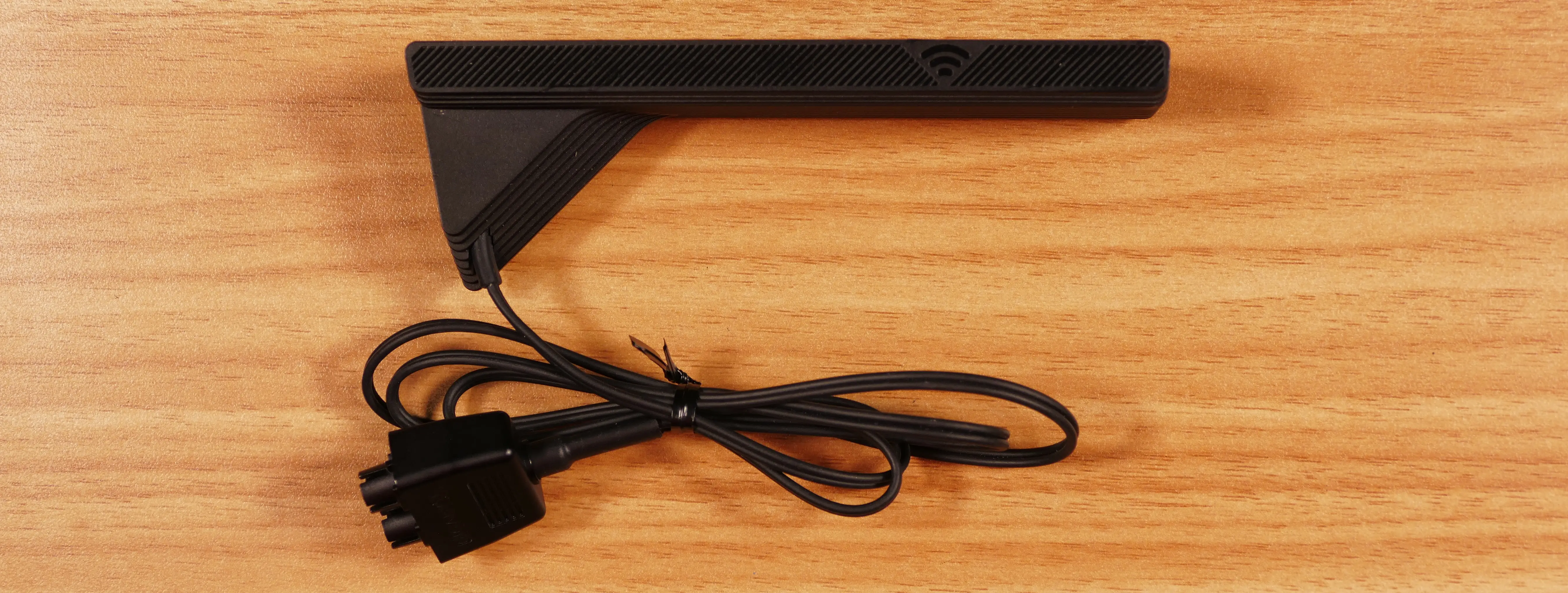
Section titled “Wireless Antenna:”- Thelio Mega R4-N3 ships with an external Gigabyte wireless antenna module. This module should be plugged into the wireless antenna port (labeled
Wifion the machine) before WiFi or Bluetooth are used. - The module can connect in either direction (there’s no pin that must be on the left or right).
DisplayPort Pass-Through:
Section titled “DisplayPort Pass-Through:”- The DisplayPort pass-through input (labeled
DP INon the machine) provides an input to pass a DisplayPort signal from a graphics card into the top USB4 (Type-C) port.- Connect a GPU’s DisplayPort output to the DisplayPort pass-through input (
DP IN) port. - Then, connect a USB-C display (or docking station) to the top USB4 (Type-C) port to view the DisplayPort signal.
- The top USB4 (Type-C) port is additionally labeled
DPon the machine to signify that it’s the pass-through output port.
- The top USB4 (Type-C) port is additionally labeled
- Connect a GPU’s DisplayPort output to the DisplayPort pass-through input (
Power Supply Switch Guide:
Section titled “Power Supply Switch Guide:”Power Switch:
Section titled “Power Switch:”- 1: On
- 0: Off
Fan Curve Switch:
Section titled “Fan Curve Switch:”- The PSU fan curve switch (labeled
Smart Zero Fan) should be set toONfor the best fan curve.
Front/side overview:
Section titled “Front/side overview:”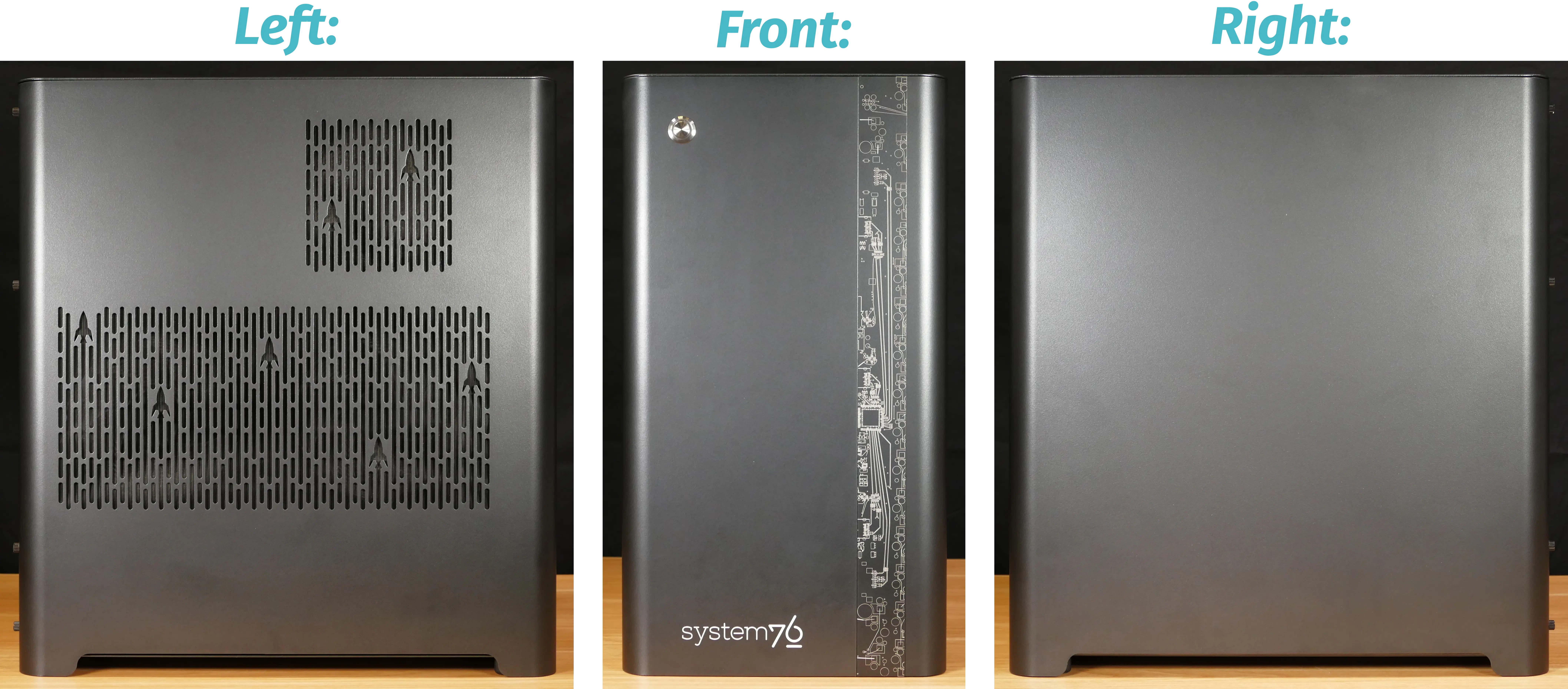
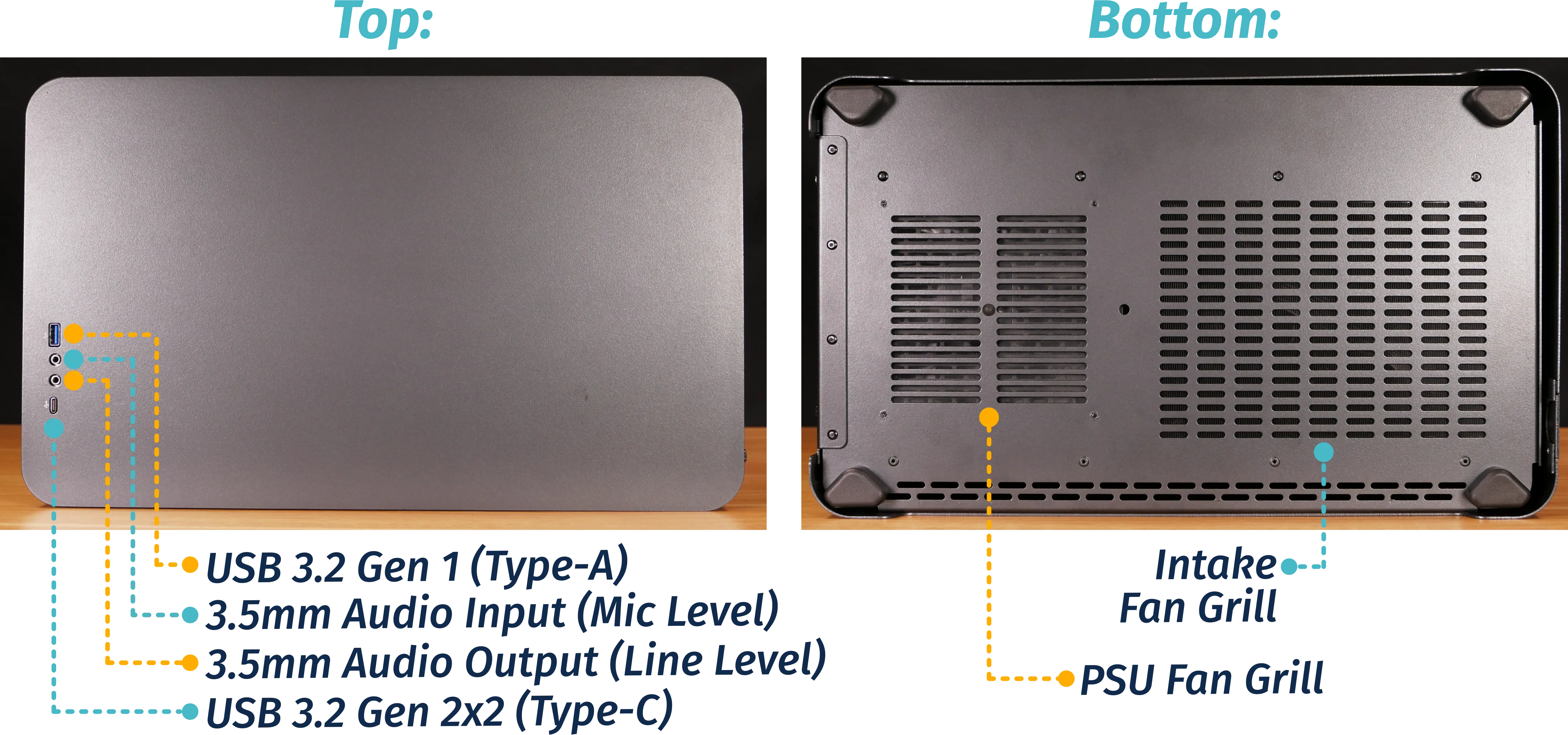
Top/bottom overview:
Section titled “Top/bottom overview:”