

Adder Pro (External Overview)
Left side:
Section titled “Left side:”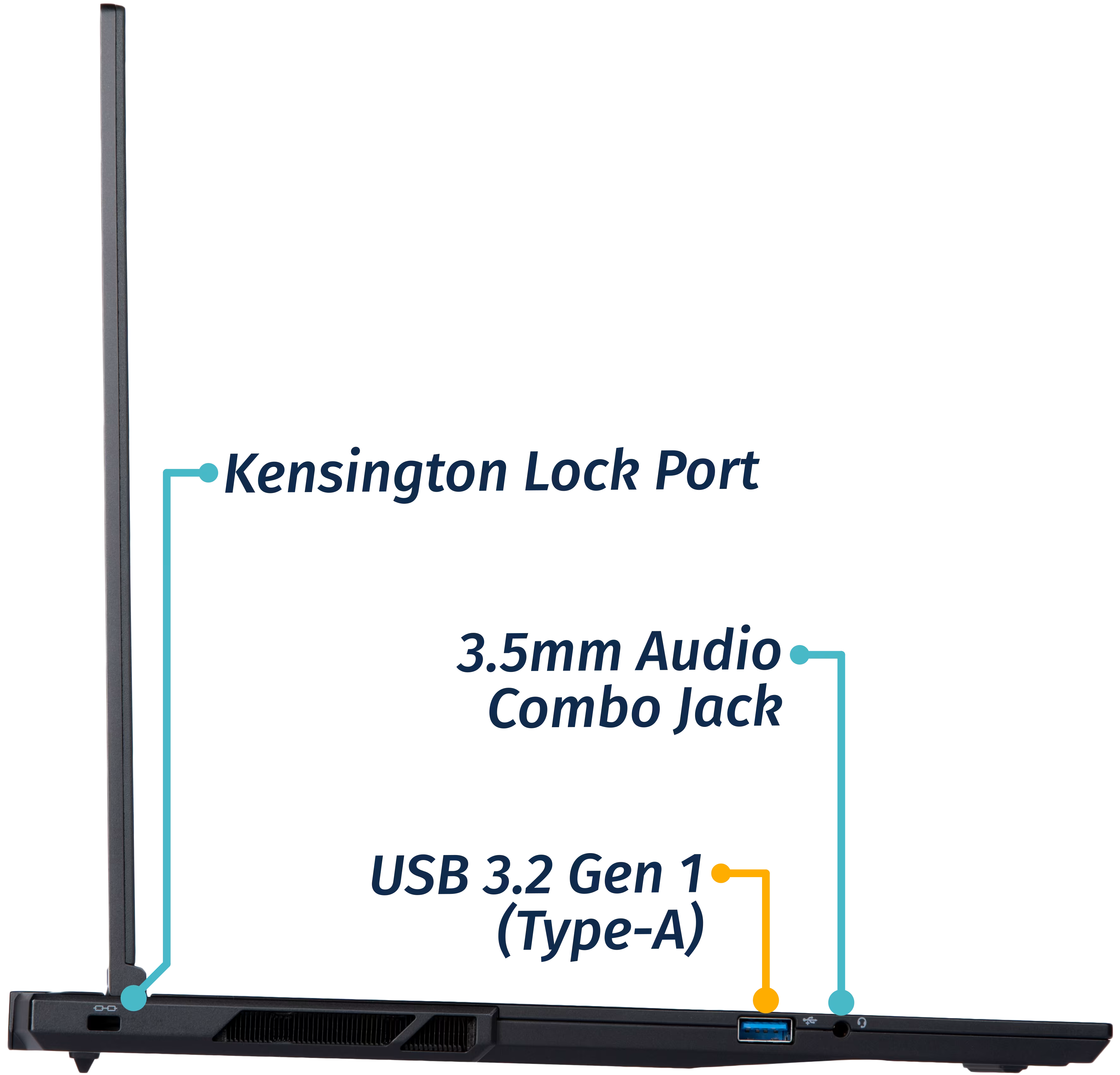
Right side:
Section titled “Right side:”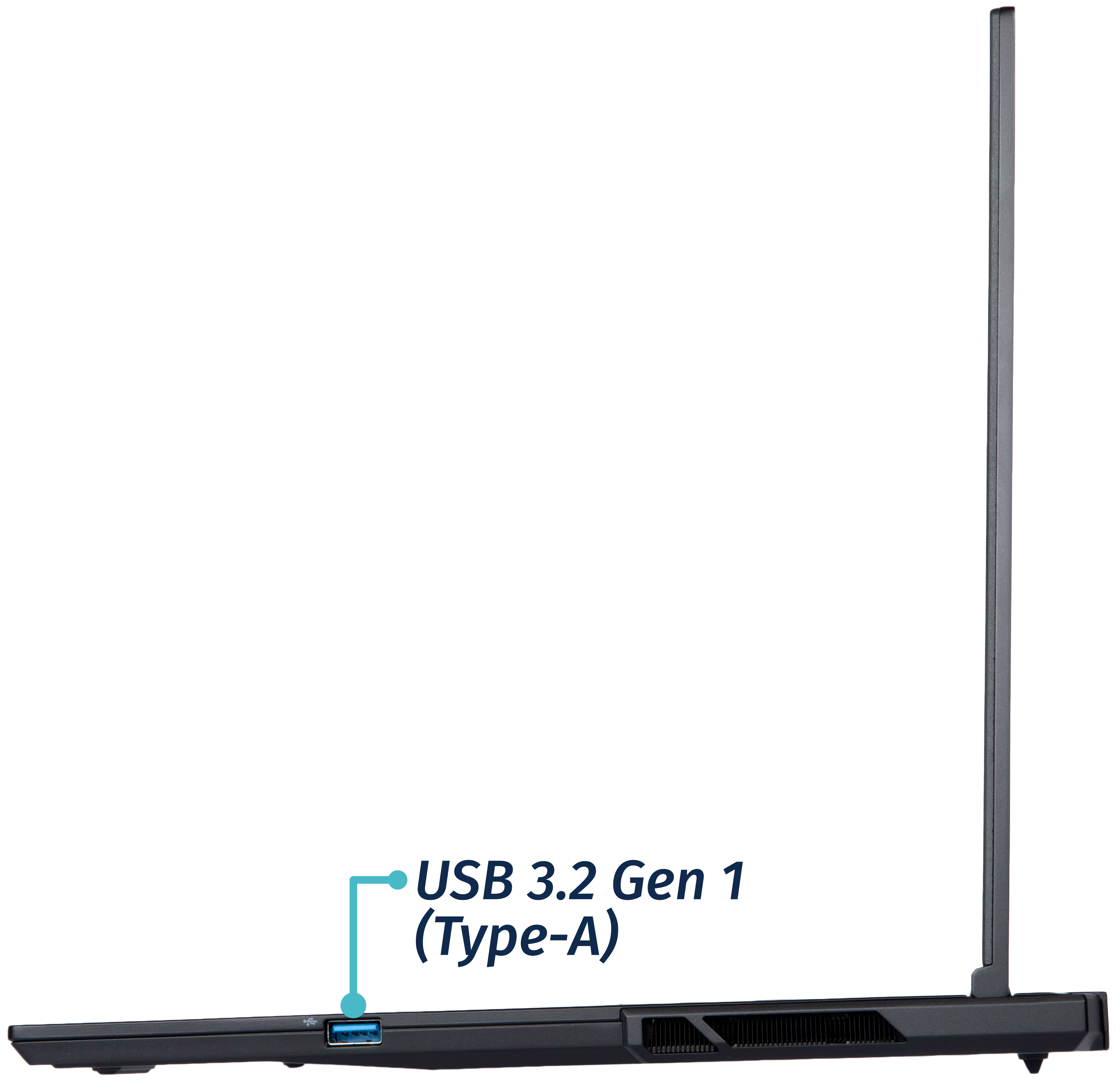
Front side:
Section titled “Front side:”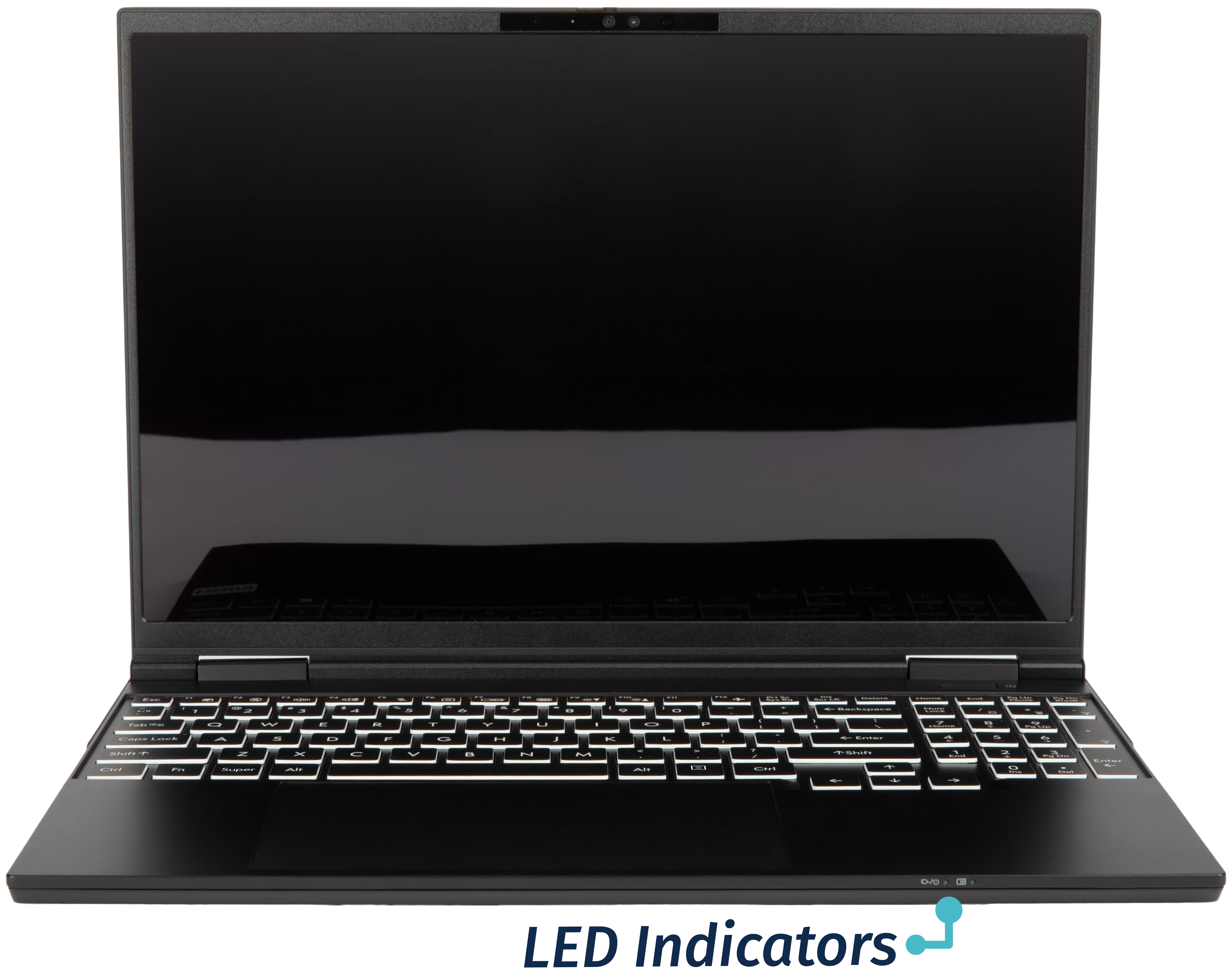
Back side:
Section titled “Back side:”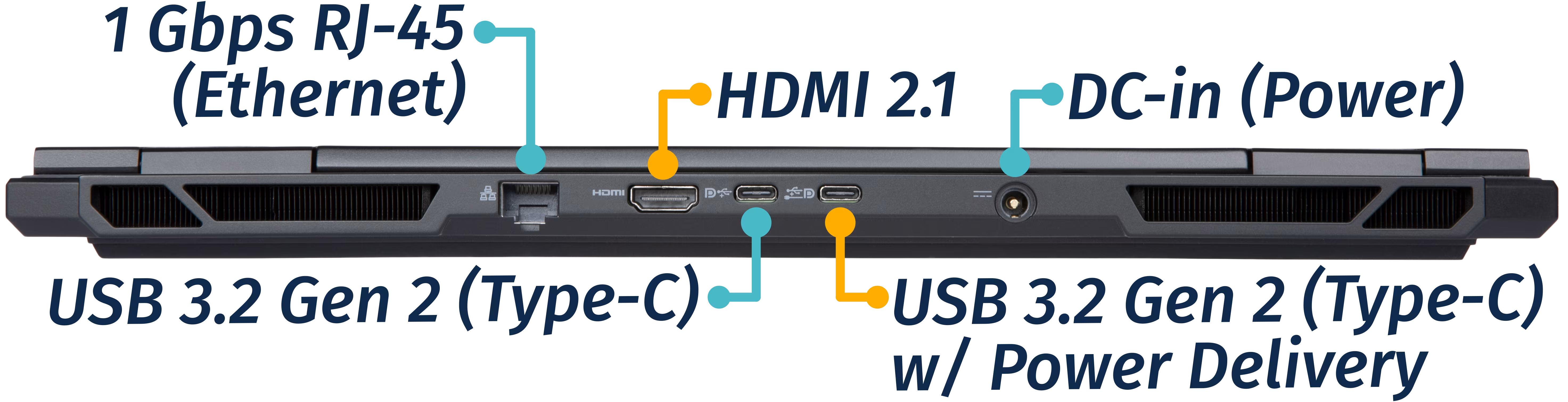
Keyboard & touchpad:
Section titled “Keyboard & touchpad:”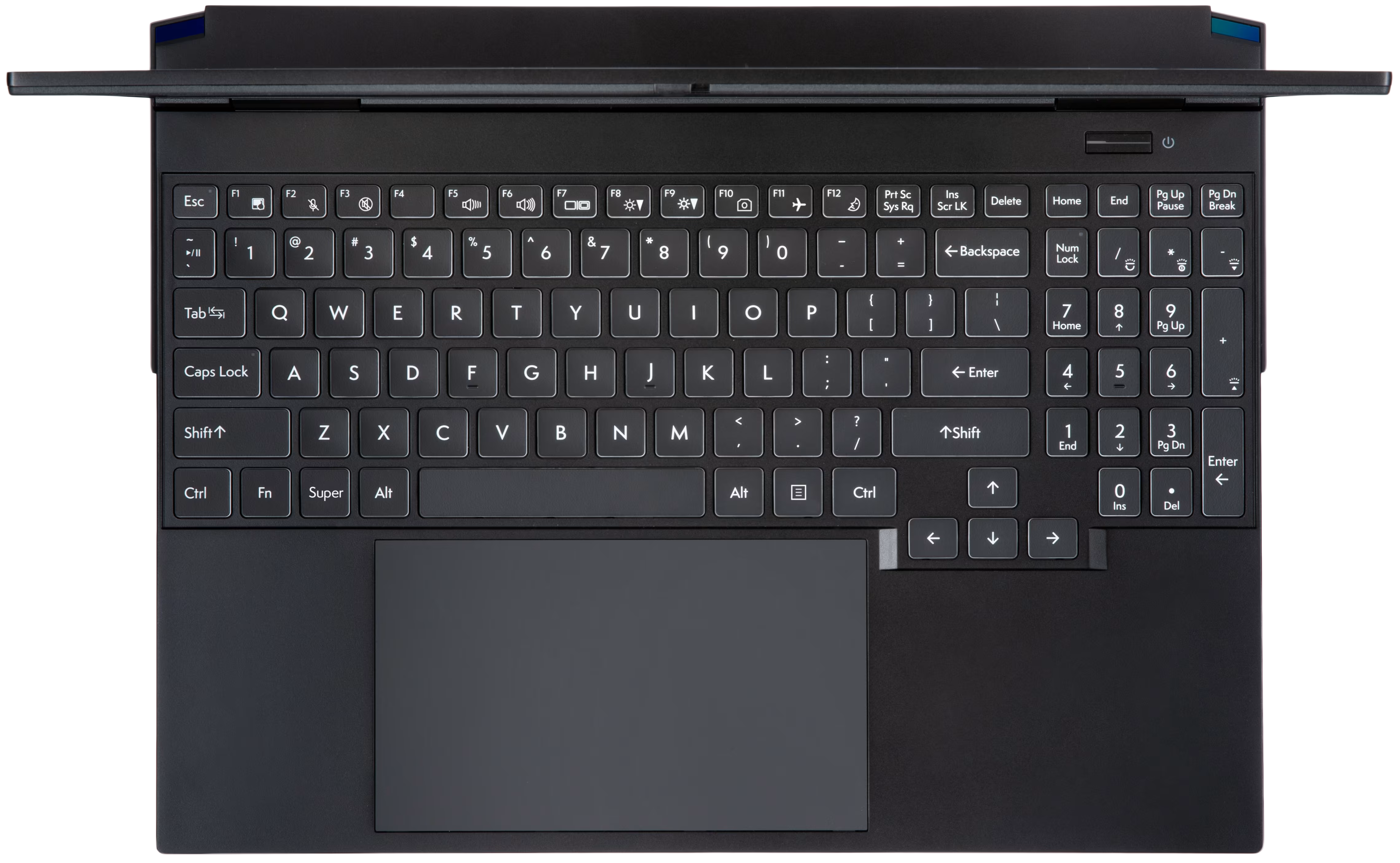
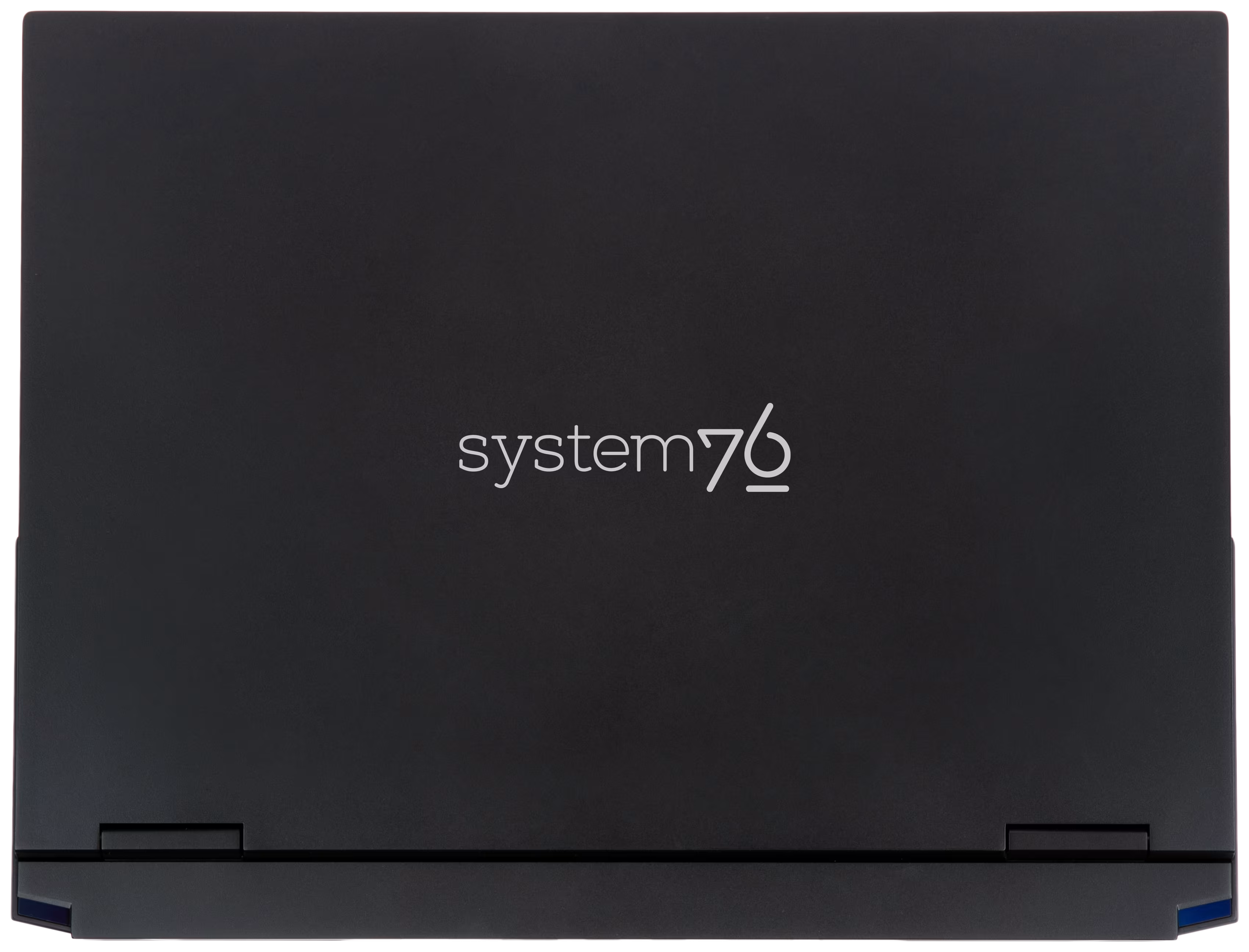
Materials:
Section titled “Materials:”| Part | Material | Part Number |
|---|---|---|
| LCD back cover (lid) | Magnesium-aluminum alloy | 6-39-L5501-022 |
| LCD front cover (bezel) | Plastic | 6-39-L5501-011 |
| Top case (palm rests/port covers) with built-in keyboard |
Magnesium-aluminum alloy | 6-L550JNM-KB-MCL-US or 6-L550JNM-HL-KB-MCL-US |
| Bottom panel | Magnesium-aluminum alloy | 6-39-L5503-012 |
LED indicators
Section titled “LED indicators”The Adder WS has the following LED indicators:
| Icon | Color | Description |
|---|---|---|
 |
Orange | Powered off, DC power plugged in |
| Green | Powered on | |
| Blinking green | Sleeping (suspended) | |
 |
Orange | Battery charging |
| Green | Battery fully charged | |
| Blinking orange | Battery critically low |
Keyboard Shortcuts
Section titled “Keyboard Shortcuts”The Adder WS has the following actions available using the Fn and Function keys:
| Key | Shortcut | Action |
|---|---|---|
 |
Fn+F1 | Toggle trackpad |
 |
Fn+F2 | Mute/unmute microphone |
 |
Fn+F3 | Mute/unmute speakers |
 |
Fn+F5 | Volume down |
 |
Fn+F6 | Volume up |
 |
Fn+F7 | Toggle displays |
 |
Fn+F8 | Screen brightness down |
 |
Fn+F9 | Screen brightness up |
 |
Fn+F10 | Toggle webcam |
 |
Fn+F11 | Toggle airplane mode |
 |
Fn+F12 | Suspend |
 |
Fn+` | Play/Pause |
 |
Fn+* | Toggle keyboard backlight |
 |
Fn+/ | Cycle keyboard color |
 |
Fn+- | Decrease keyboard brightness |
 |
Fn++ | Increase keyboard brightness |
| 1 | Fn+1 | Toggle fan between max/automatic |