

Download Pop!_OS
Pop!_OS 24.04 LTS is available for various computer systems. Choose your adventure below!
Need help installing? Check out our install docs!
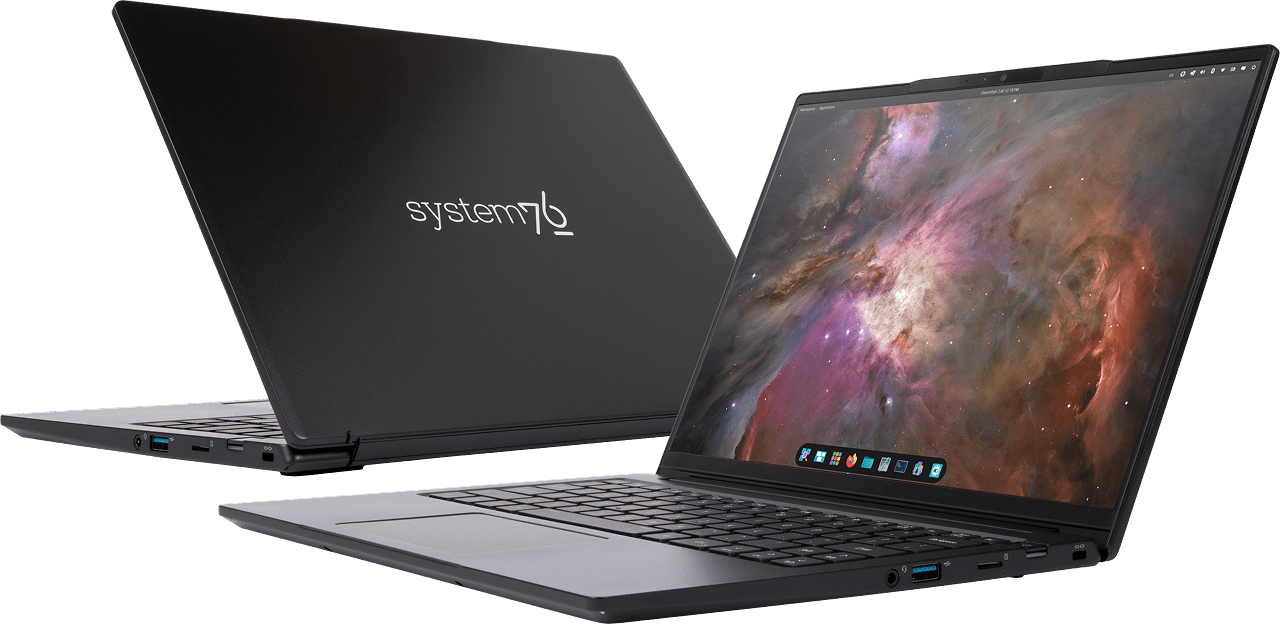
Pop!_OS 24.04 LTS
Filesize: GB
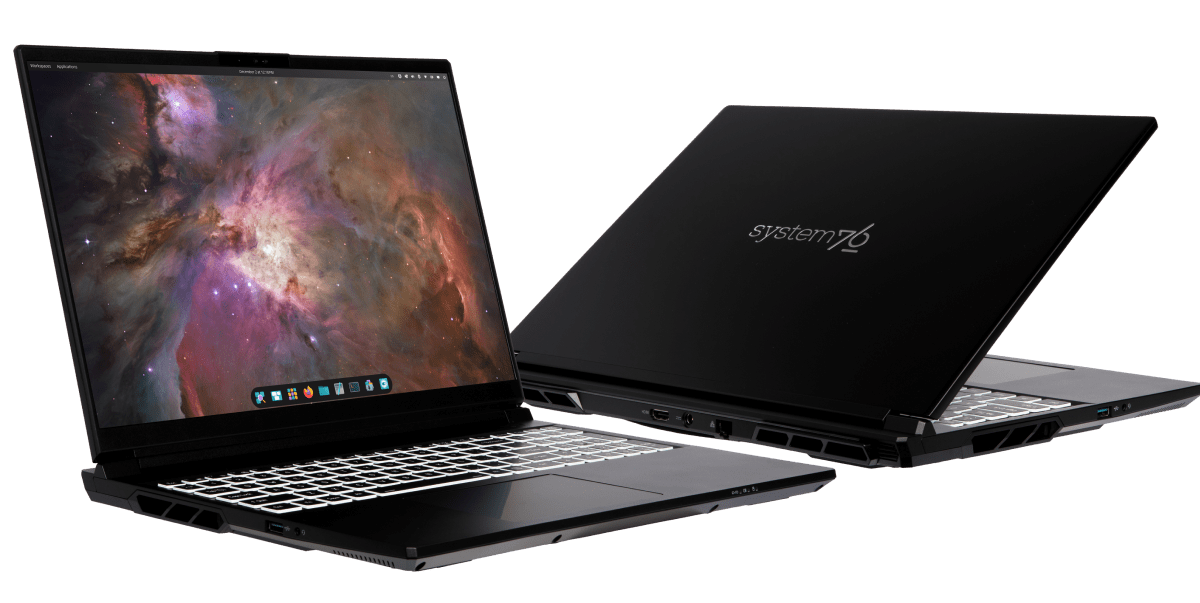
Pop!_OS 24.04 LTS with NVIDIA
Filesize: GB
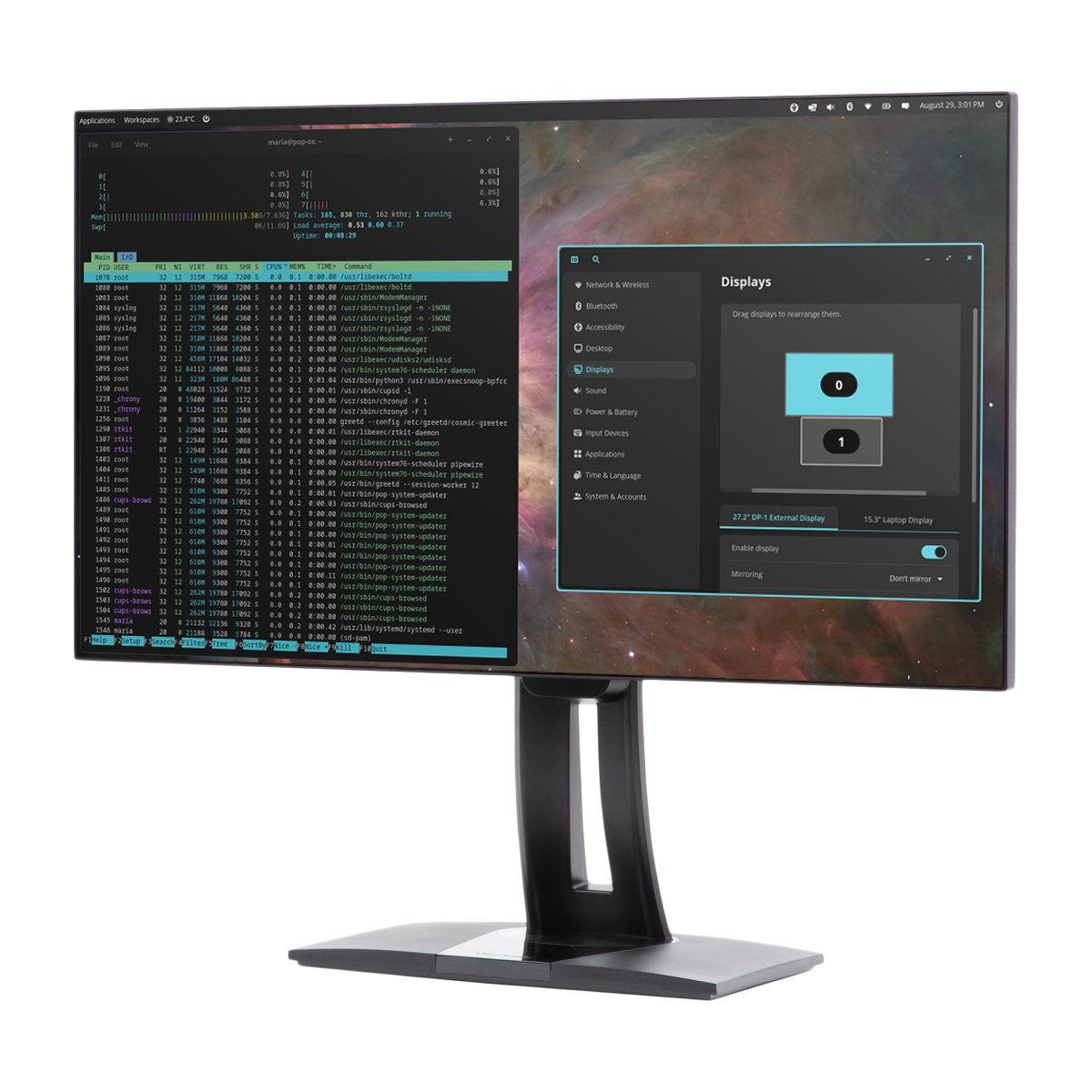
Pop!_OS 24.04 LTS for ARM
Filesize: GB
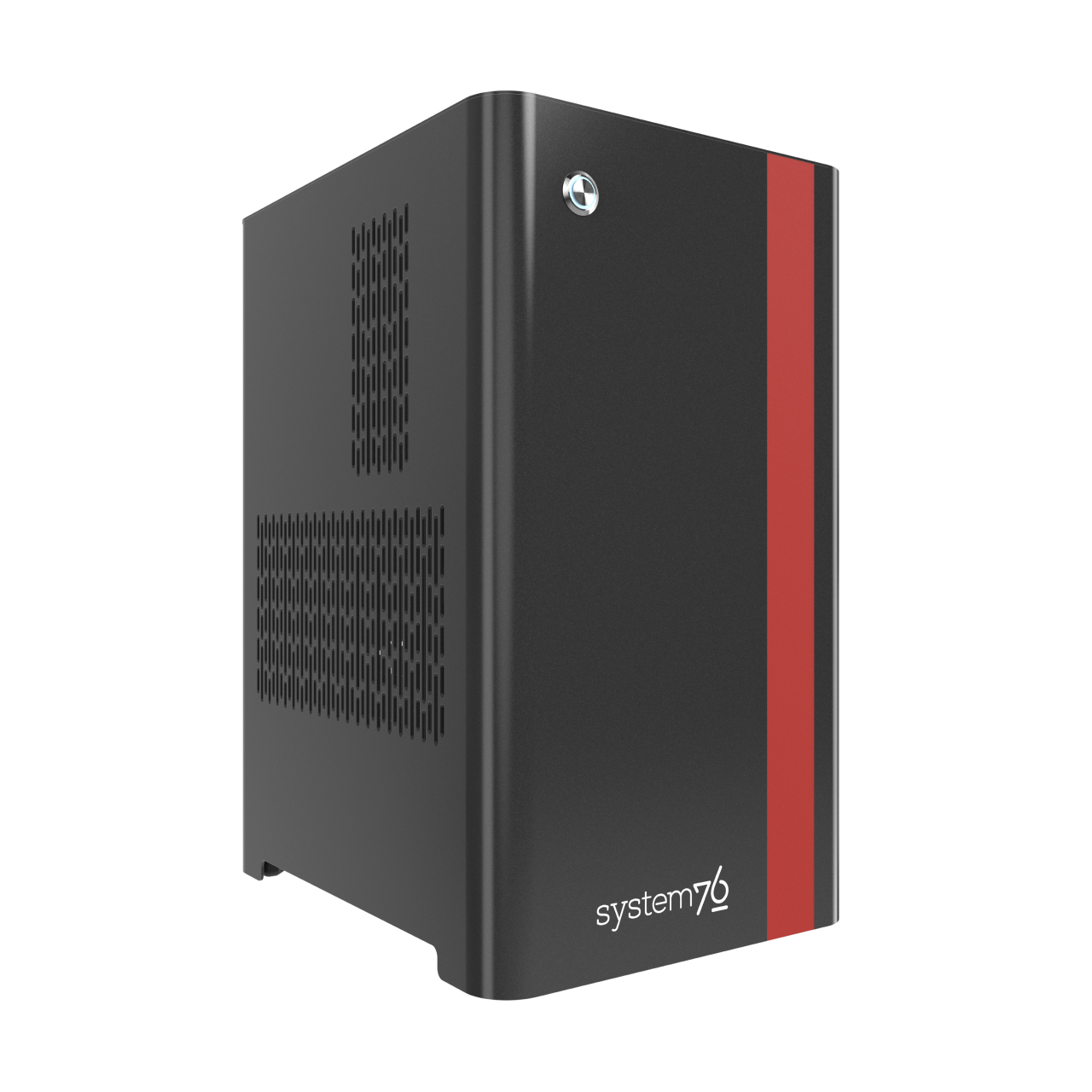
Pop!_OS 24.04 LTS for ARM with NVIDIA (including Thelio Astra)
Filesize: GB
Release Notes
- Pop!_OS 24.04 LTS includes the new COSMIC Desktop Environment, designed and developed by System76. - Some GNOME apps are replaced by COSMIC apps - GNOME Files (Nautilus) > COSMIC Files - GNOME Terminal > COSMIC Terminal - GNOME Text Editor > COSMIC Text Editor - GNOME Media Player (Totem) > COSMIC Media Player - Pop!_Shop is replaced by COSMIC Store - Key components - COSMIC Epoch 1 - Linux kernel 7.0.9 - Mesa 25.1.5-1 - NVIDIA Driver 585 - Display toggle hotkeys and an on-screen display is not supported yet - COSMIC has a built-in screenshot tool. If you require annotations, we recommend Flameshot, which can be installed from Flathub via COSMIC Store. Version 13.1 or higher is required for COSMIC - COSMIC is not currently optimized for touch devices. An on-screen-keyboard is in development. - The COSMIC Desktop will be continuously updated with new features and improvements after release - Kernels and hardware support are continuously updated in Pop!_OS - You can follow COSMIC DE feature and improvement progress on the [project board](https://github.com/orgs/pop-os/projects/27)
Previous Releases
Pop!_OS 22.04 LTS
SHA256 Sum: 4e1c5e391062c79dc611ce383c2a709fecac36798ebd81444a734fd41252608e
Pop!_OS 22.04 LTS with NVIDIA
SHA256 Sum: 2b622525da3fd4deb913540810ffe68651a529acd57bcf44bb7f69df6161fec0