
Download Pop!_OS
Pop!_OS 26.04 LTS is available for various computer systems.
Pop!_OS 24.04 LTS to Pop!_OS 26.04 LTS upgrades will be enabled in December. Need help installing? Check out our install docs!
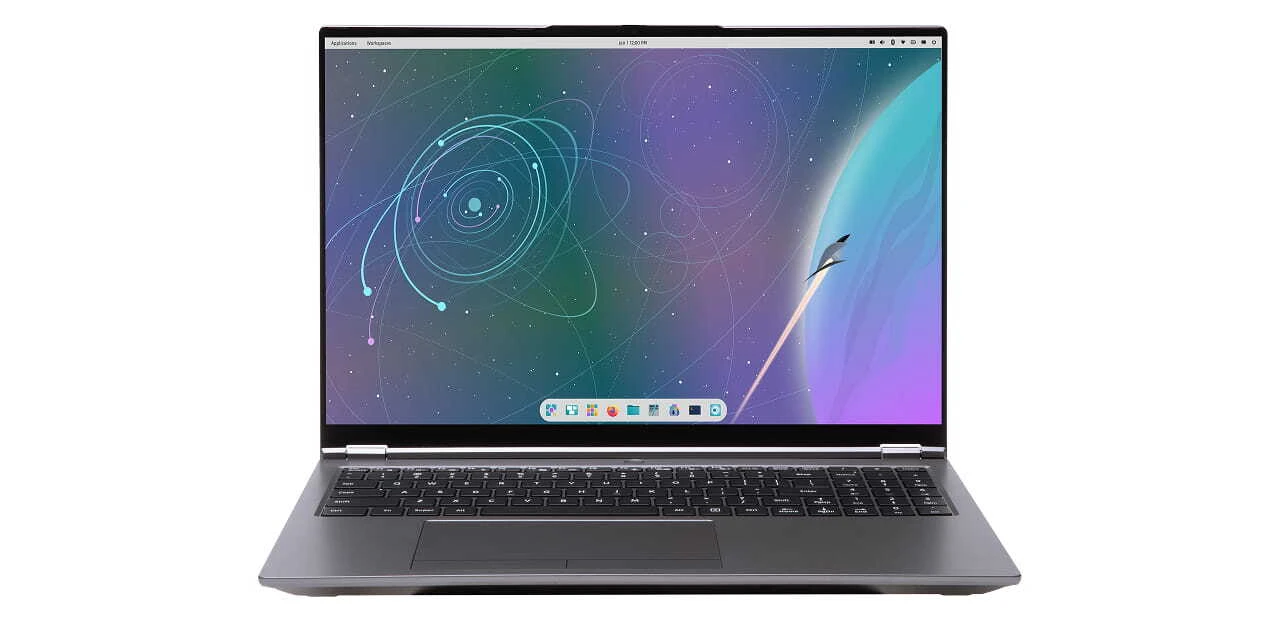
Pop!_OS 26.04 LTS
Filesize: GB
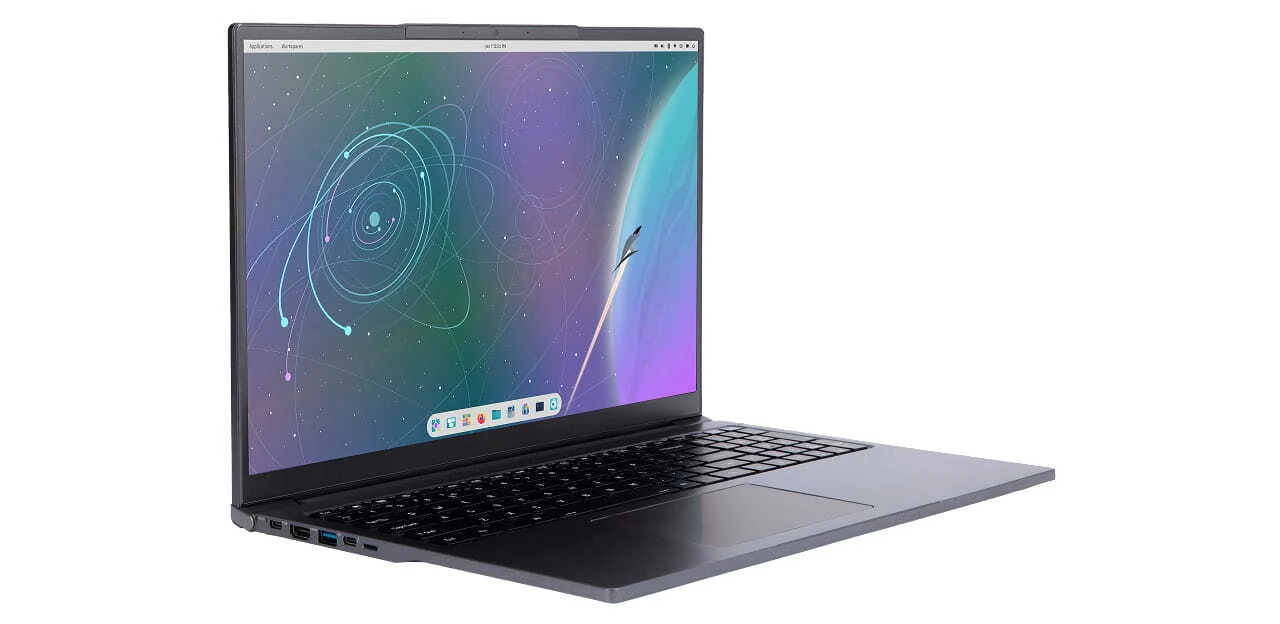
Pop!_OS 26.04 LTS with NVIDIA
Filesize: GB
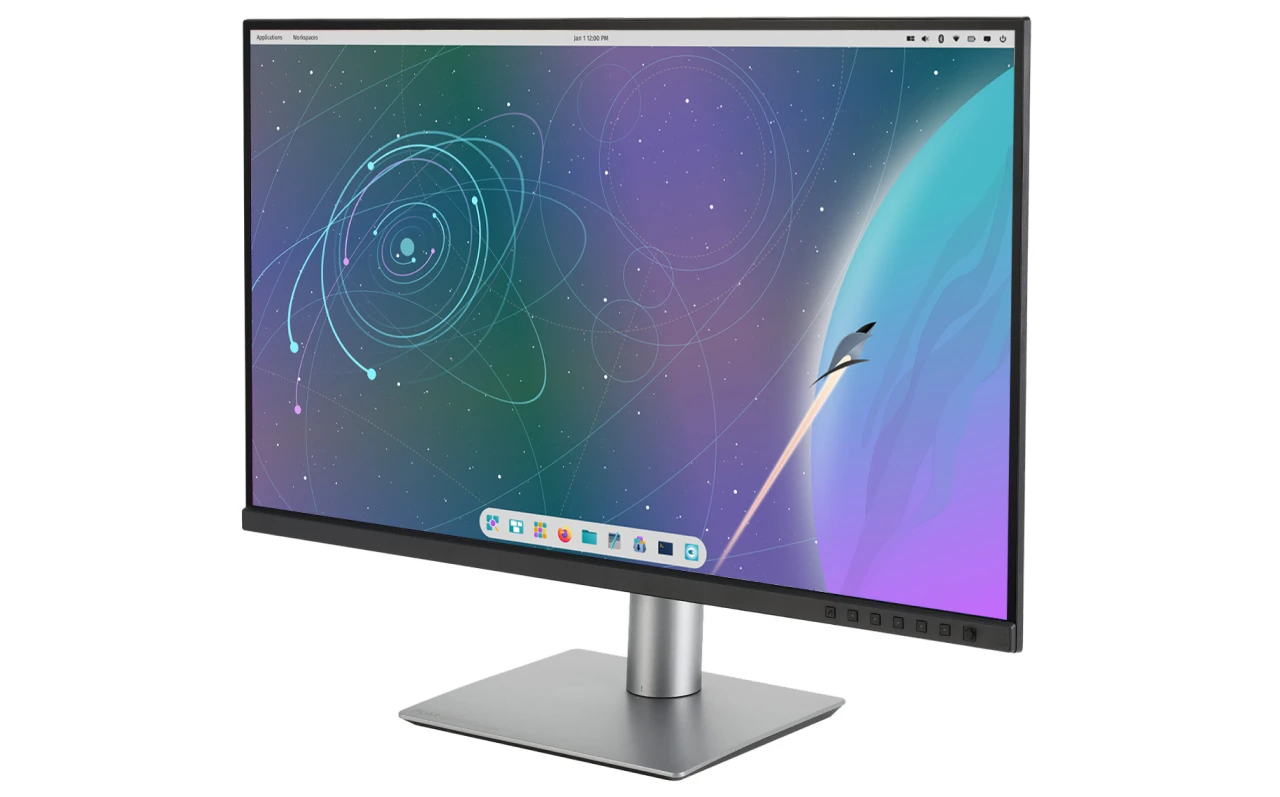
Pop!_OS 26.04 LTS for ARM
Filesize: GB
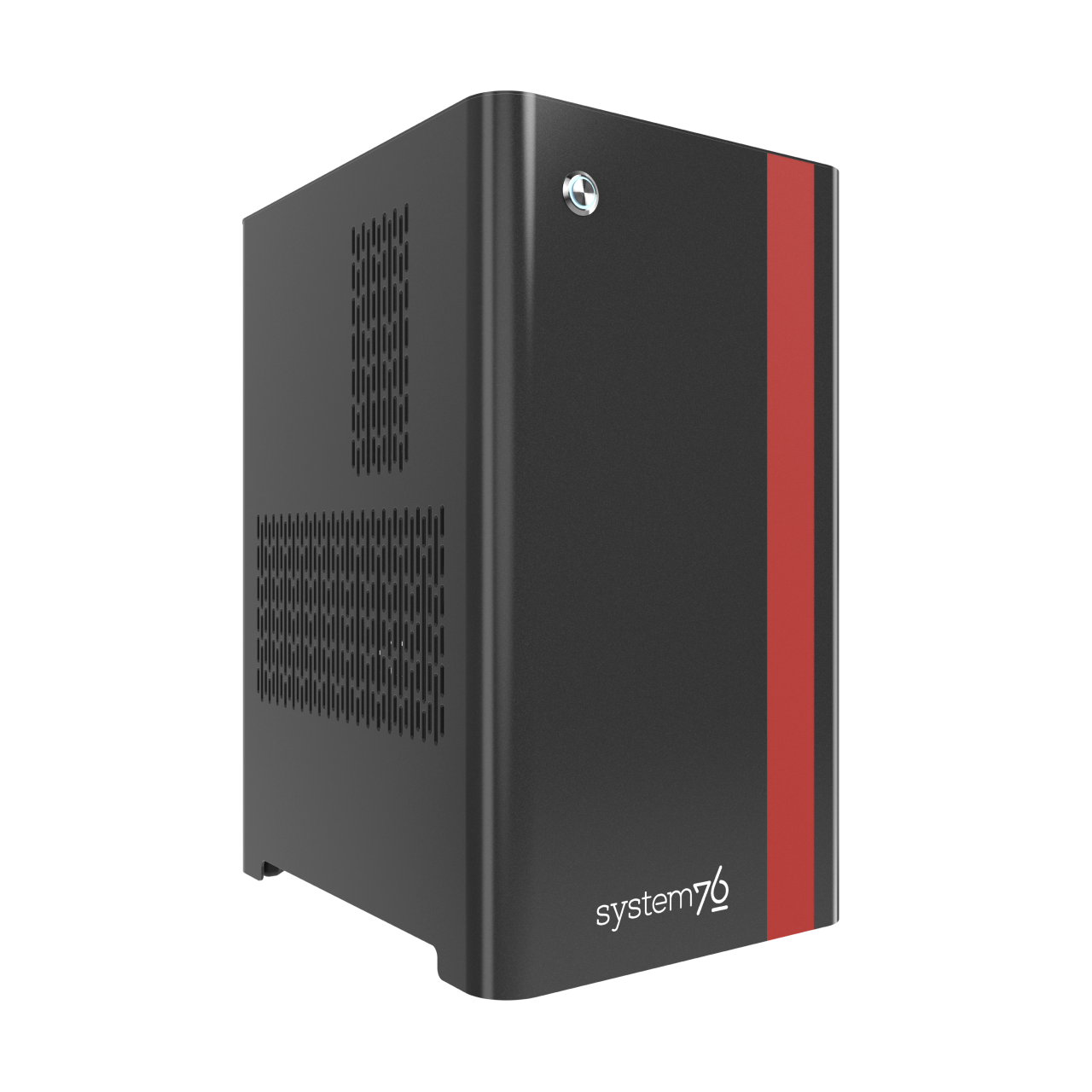
Pop!_OS 26.04 LTS for ARM with NVIDIA (including Thelio Astra)
Filesize: GB
Release Notes
- Pop!_OS 26.04 LTS includes the COSMIC Desktop Environment, designed and developed by System76. Below are notable new COSMIC features and improvements since the Pop!_OS 24.04 LTS release. COSMIC is continuously updated and these features have been available on Pop!_OS 24.04 LTS as they were released. - New COSMIC apps - COSMIC Image Viewer - COSMIC System Monitor - Popsicle USB Flashing utility ported to libcosmic - Notable New COSMIC features - Constellations (themes with bundled wallpaper, colors, icons, and fonts) - Frosted glass effect - On-screen keyboard with touch and gamepad control available in Settings > Accessibility - Automatic system and application updates available in Settings > System & accounts - Remote desktop support - Drawing tablet support available in Settings > Input devices - Configurable workspaces wrapping available in Settings > Desktop > Workspaces - Accessibility improvements: Shake to find cursor, cursor size options, scalable cursors, improved screen magnification - Workspaces Overview action on typing (opening the Launcher or Applications Library) available in Settings > Desktop > Workspaces - Configurable workspaces wrapping available in Settings > Workspaces - Use system window headers (SSDs) when possible available in Settings > Window management - VRR available in Settings > Displays on supported displays - Individual application sound control available in Settings > Sound - Improved gaming fullscreen and Steam Big Picture experience - Improved gaming with Wayland Pointer Constraints protocol - Improved dialogs with XDG Dialog V1 protocol - Touchscreen device improvements - Bluetooth device renaming - Screencast: support metadata cursor capture - Scalable cursors - Notable COSMIC Apps improvements - COSMIC App Library - On hybrid graphics systems, ensure that the correct GPU is used for video games - Folder sorting animations - COSMIC Files - Renamable sidebar labels - Page up and down to navigate files - Fix Android to COSMIC file transfer over MTP - Allow navigating to a network location from any location - Allow searching for applications in open with dialog - Improved network filesystem browsing performance - COSMIC Greeter - Optional support for systemd-homed - Button to toggle on-screen keyboard - COSMIC Player - Keep controls visible when hovered - Playback controls (A-B Repeat, Next and previous frame) - Playback speed - Jump forward or back 10 seconds - COSMIC Store - User interface design update - Gallery mode after clicking screenshots - COSMIC Terminal - Configurable pane borders - Keyboard shortcuts for moving tabs left and right (Ctrl+Shift+Left and Ctrl+Shift+Right) - Key components at release - COSMIC Epoch 1.12 - Linux kernel 7.2.15 - Mesa 26.2.3 - Wayland version 1.26 - NVIDIA Driver 595.104.02 - Kernels and hardware support are continuously updated in Pop!_OS - You can follow COSMIC DE features and improvements progress on our Project Boards. COSMIC development is organized into prioritized groups we call Epoch's. Features are continuously released. - [Epoch 2](https://github.com/orgs/pop-os/projects/27) - [Epoch 3](https://github.com/orgs/pop-os/projects/28)
Previous Releases
Pop!_OS 24.04 LTS
SHA256 Sum: 49567ae95aedbfc0fd238893447df9b2dde3bc6eb7f28653257785a4a067d0b7
Pop!_OS 24.04 LTS with NVIDIA
SHA256 Sum: e0e5644c274976f7c66314d6c3d20d5d33f3d3bdf420cd0c7c98b3a4c1d5c214
Pop!_OS 22.04 LTS
SHA256 Sum: 4e1c5e391062c79dc611ce383c2a709fecac36798ebd81444a734fd41252608e
Pop!_OS 22.04 LTS with NVIDIA
SHA256 Sum: 2b622525da3fd4deb913540810ffe68651a529acd57bcf44bb7f69df6161fec0