
Support
Installing Julia in Pop!_OS
Julia is a high-level programming language popularly used for numerical analysis and computational science. More information can be found on Julia’s site. While many Linux distributions lack documentation or require installing Julia from source, Pop!_OS offers simple install methods using the Terminal or the Pop!_Shop. Pop!_OS will also track the latest Julia releases, so Julia will always update to the latest available release when you update Pop!_OS.
Installing Julia in Pop!_OS
Section titled “Installing Julia in Pop!_OS”Using the Terminal
Section titled “Using the Terminal”In Pop!_OS, Julia is simply installed by running sudo apt install julia.
sudo apt install juliaUsing the Pop!_Shop
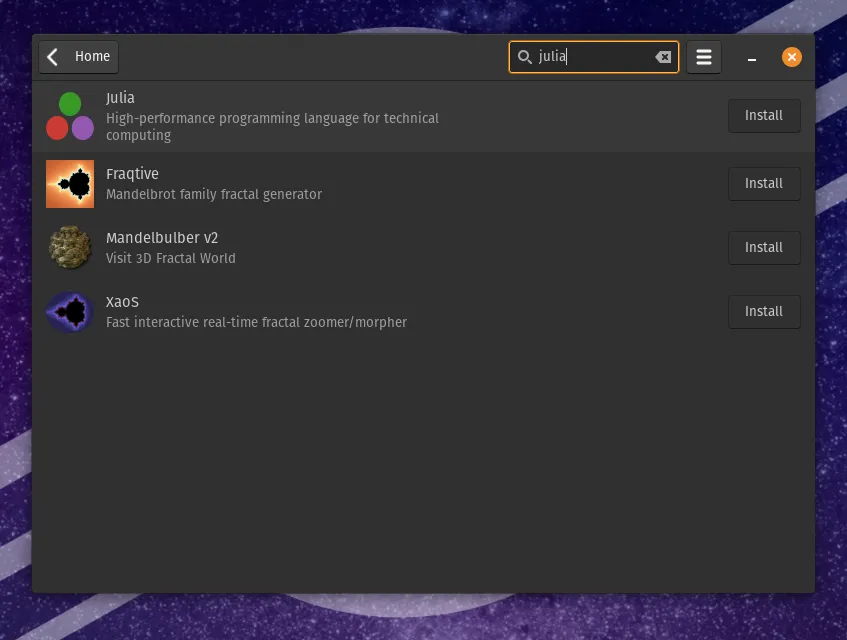
Section titled “Using the Pop!_Shop”Launch the Pop!_OS shop and search for “julia”. Then, click Install.
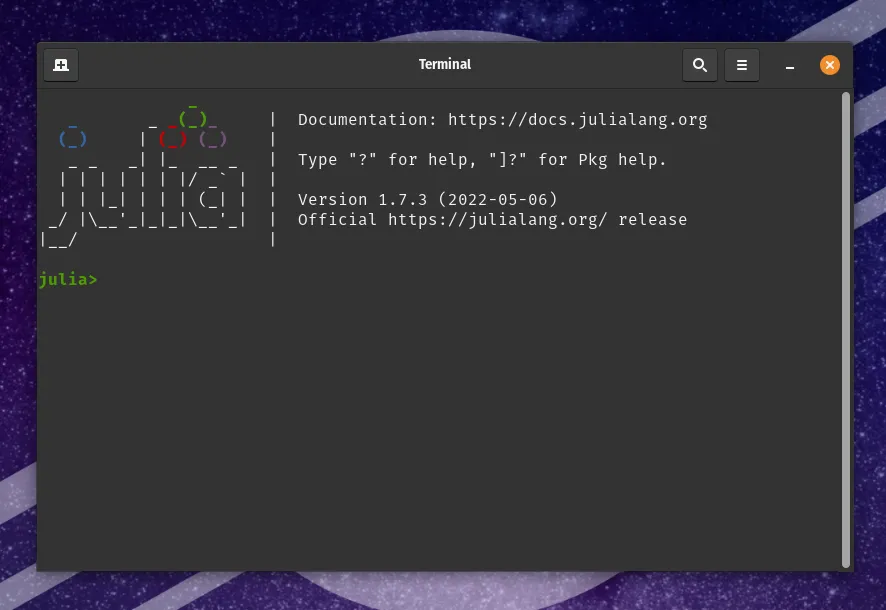
Launching Julia
Section titled “Launching Julia”Press the Super key to bring up the Launcher, then type “julia” and hit enter.