
Support
Dock (Move or Customize)
Pop!_OS and Ubuntu both contain an application dock on the screen. The location of the dock, as well as other dock settings, can be adjusted in Settings.
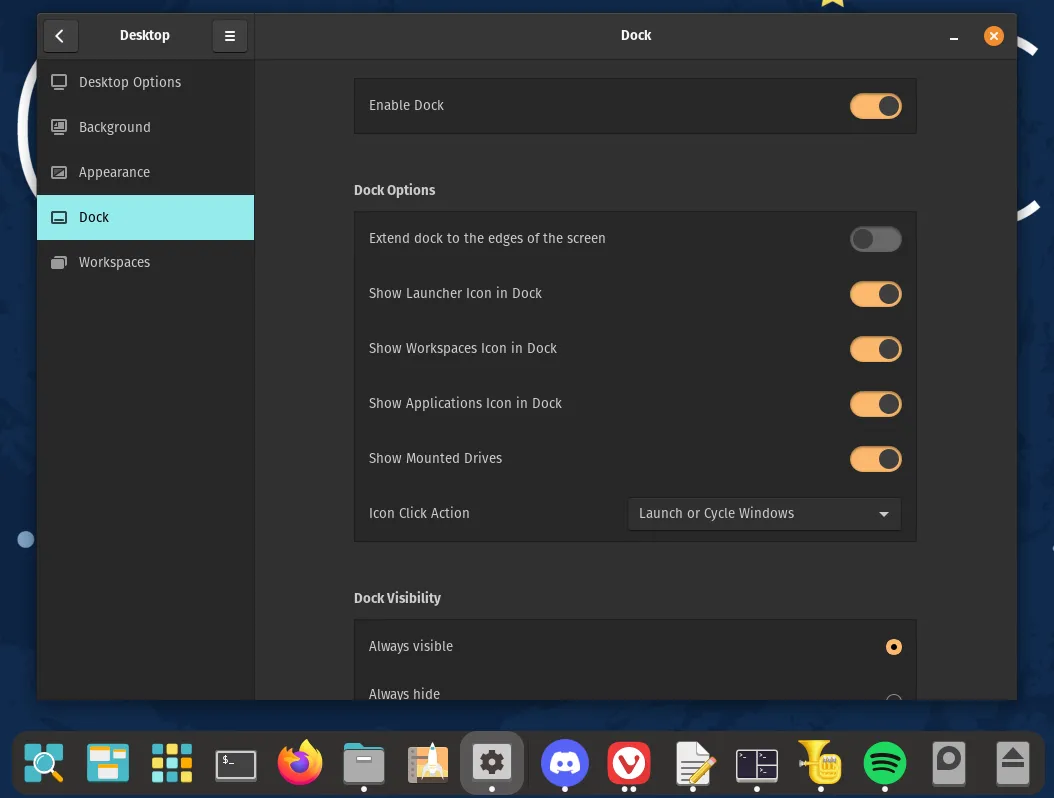
Default Dock on Pop!_OS
Section titled “Default Dock on Pop!_OS”Pop!_OS’s dock is positioned along the bottom edge of the screen by default.
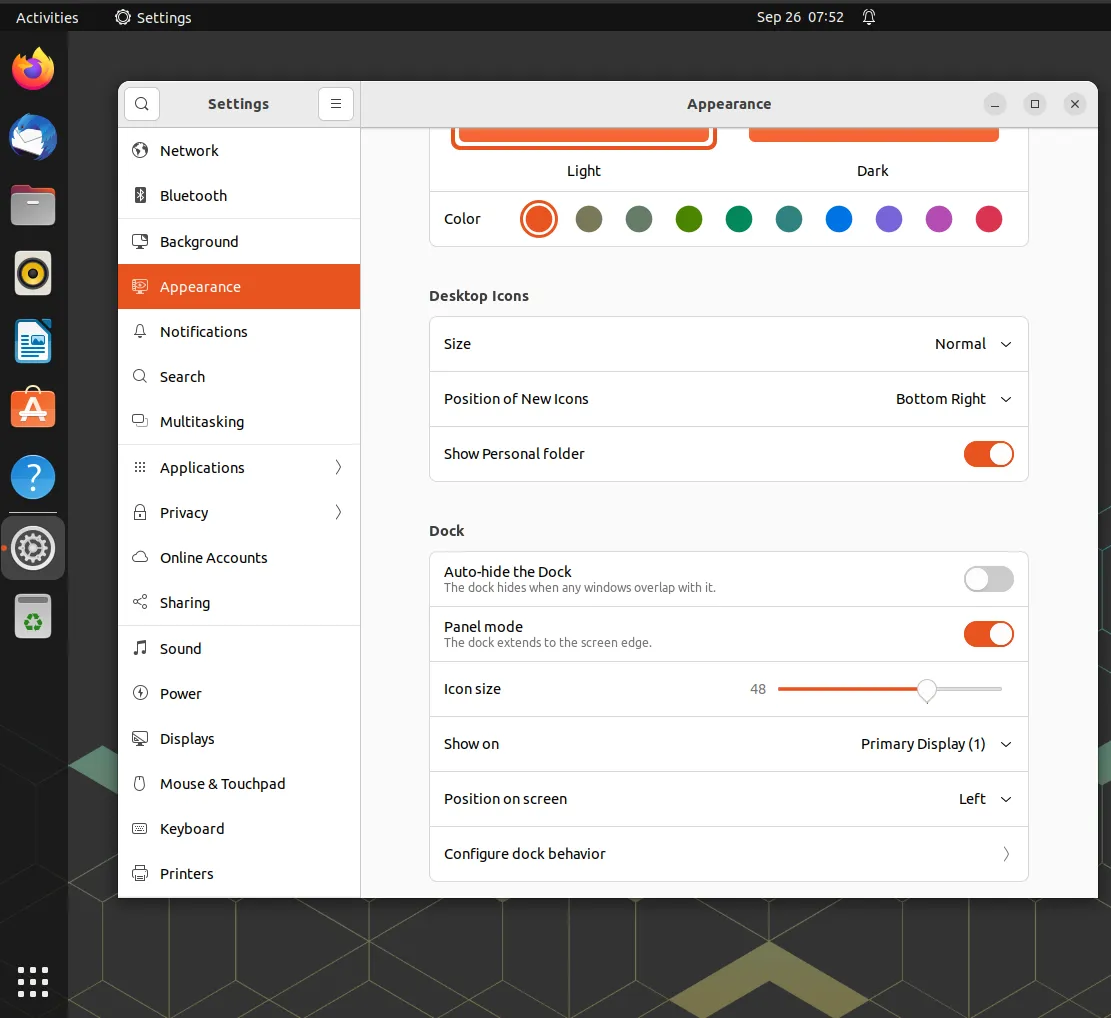
Default Dock on Ubuntu
Section titled “Default Dock on Ubuntu”Ubuntu’s dock is positioned along the left edge of the screen by default.
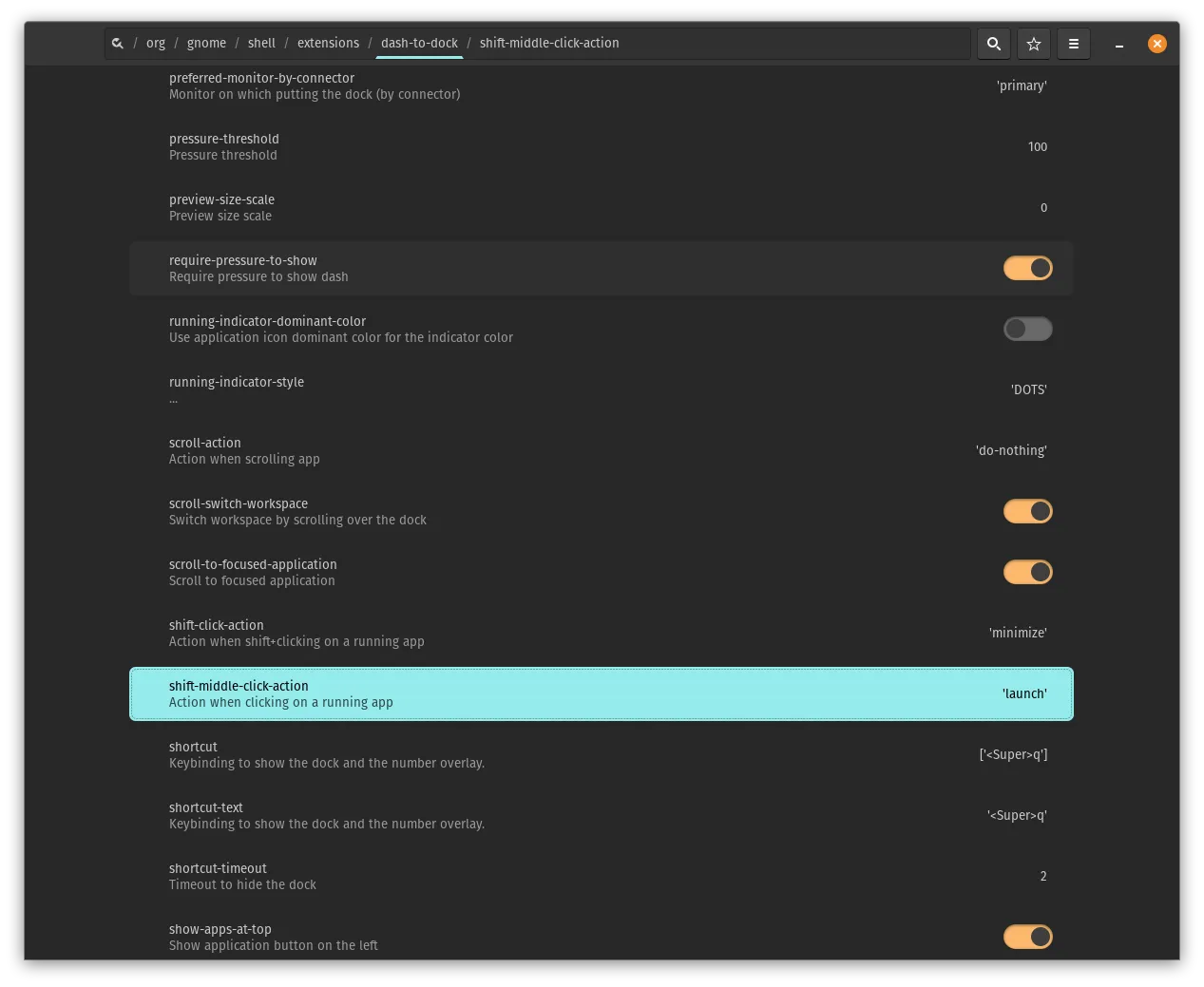
dconf Editor
Section titled “dconf Editor”Since both Ubuntu Dock and COSMIC Dock are based on Dash to Dock they have the same settings which can be changed using dconf editor. This can be installed either though the Pop!_Shop (if you are on Pop!_OS), Ubuntu Software (if you are on Ubuntu) or with this command on either OS:
sudo apt install dconf-editor