

Support
Laptop Repackaging Instructions
Step 1: Open Box
Section titled “Step 1: Open Box”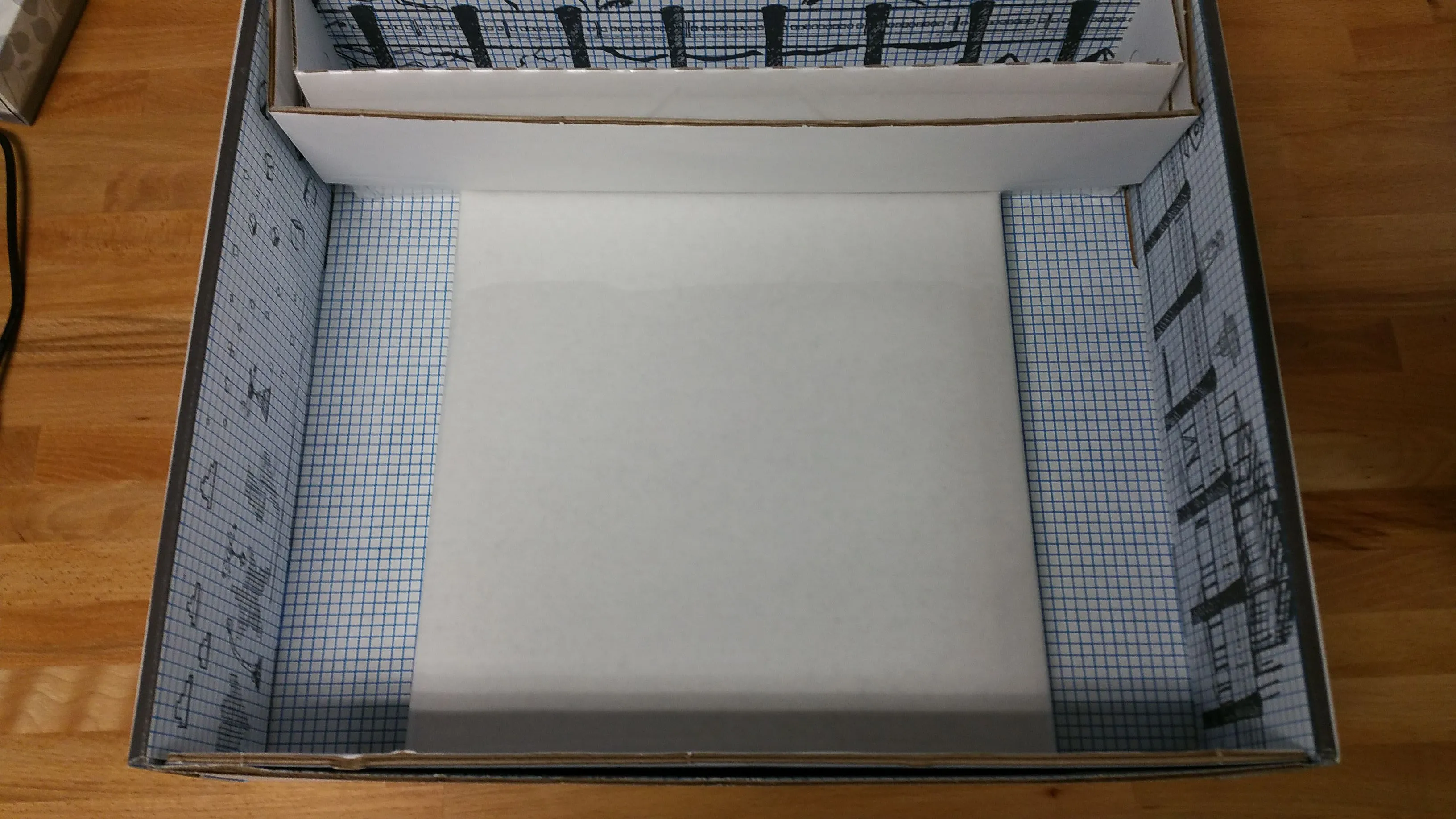
Step 2: Take Out Large Portion and Open Flaps
Section titled “Step 2: Take Out Large Portion and Open Flaps”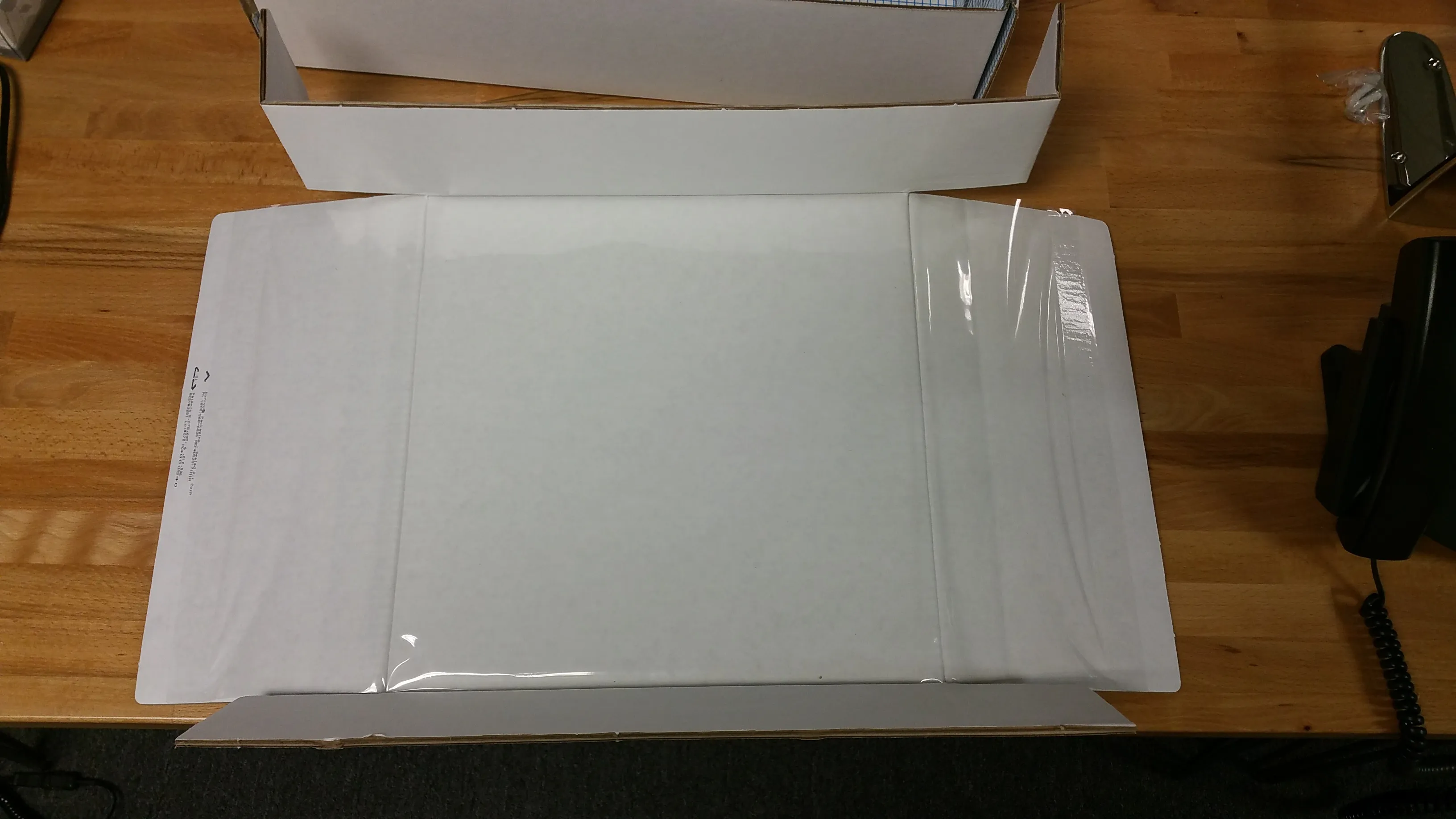
Step 3: Lift Plastic Sheet and Slid in Laptop
Section titled “Step 3: Lift Plastic Sheet and Slid in Laptop”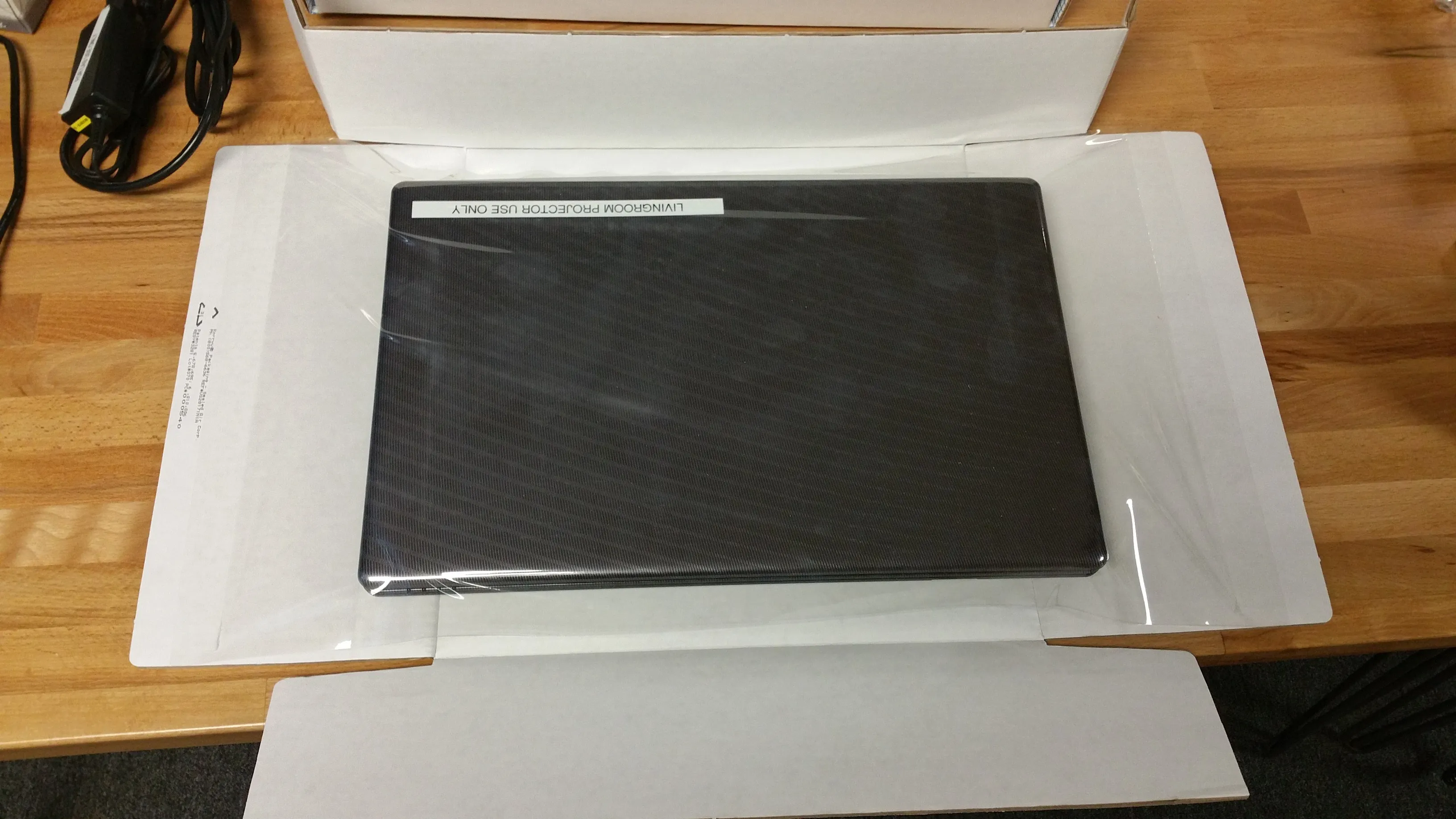
Step 4: Fold Flaps Underneath and Insert Into Box
Section titled “Step 4: Fold Flaps Underneath and Insert Into Box”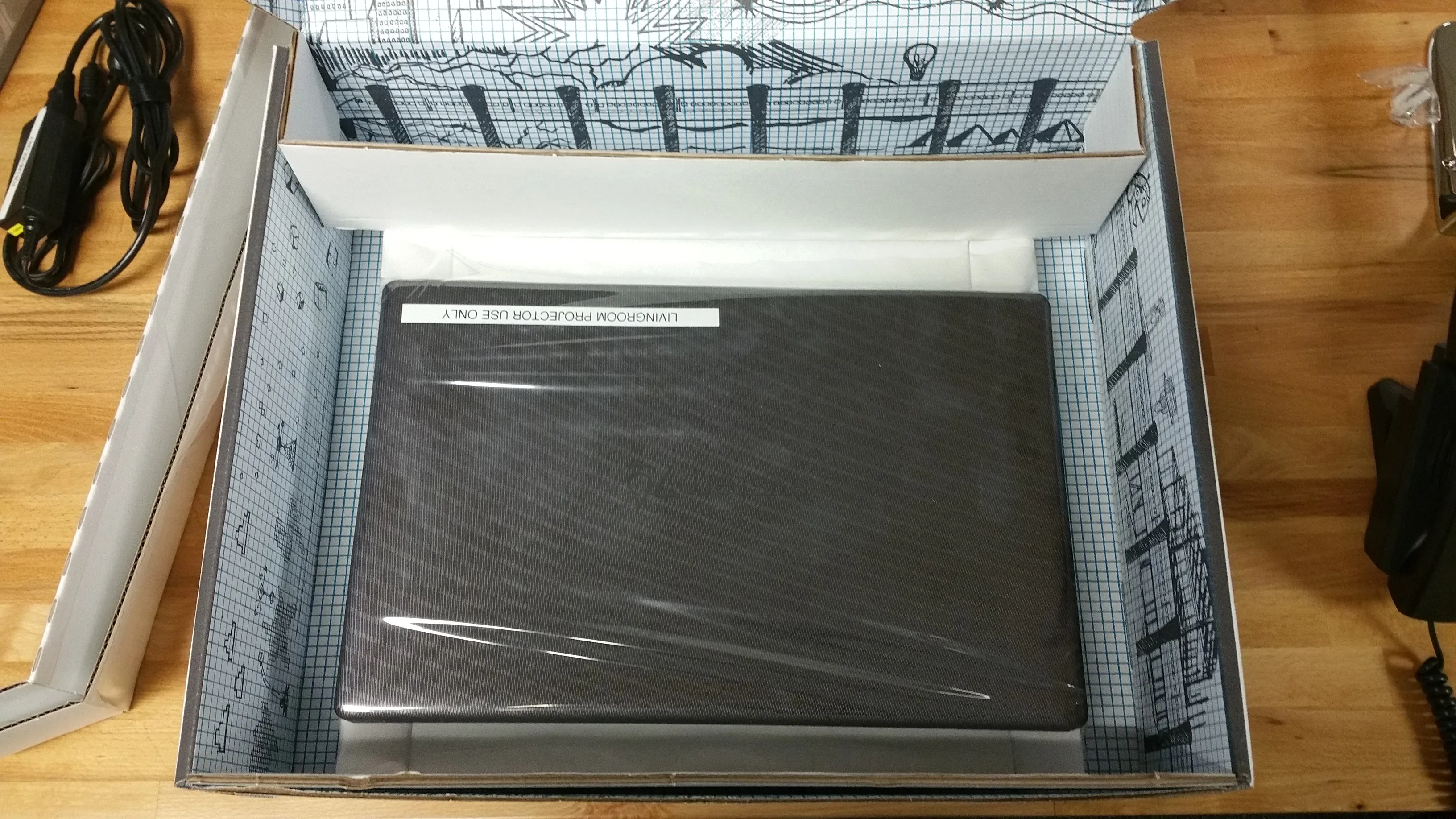
Step 5: Unfold Small Portion
Section titled “Step 5: Unfold Small Portion”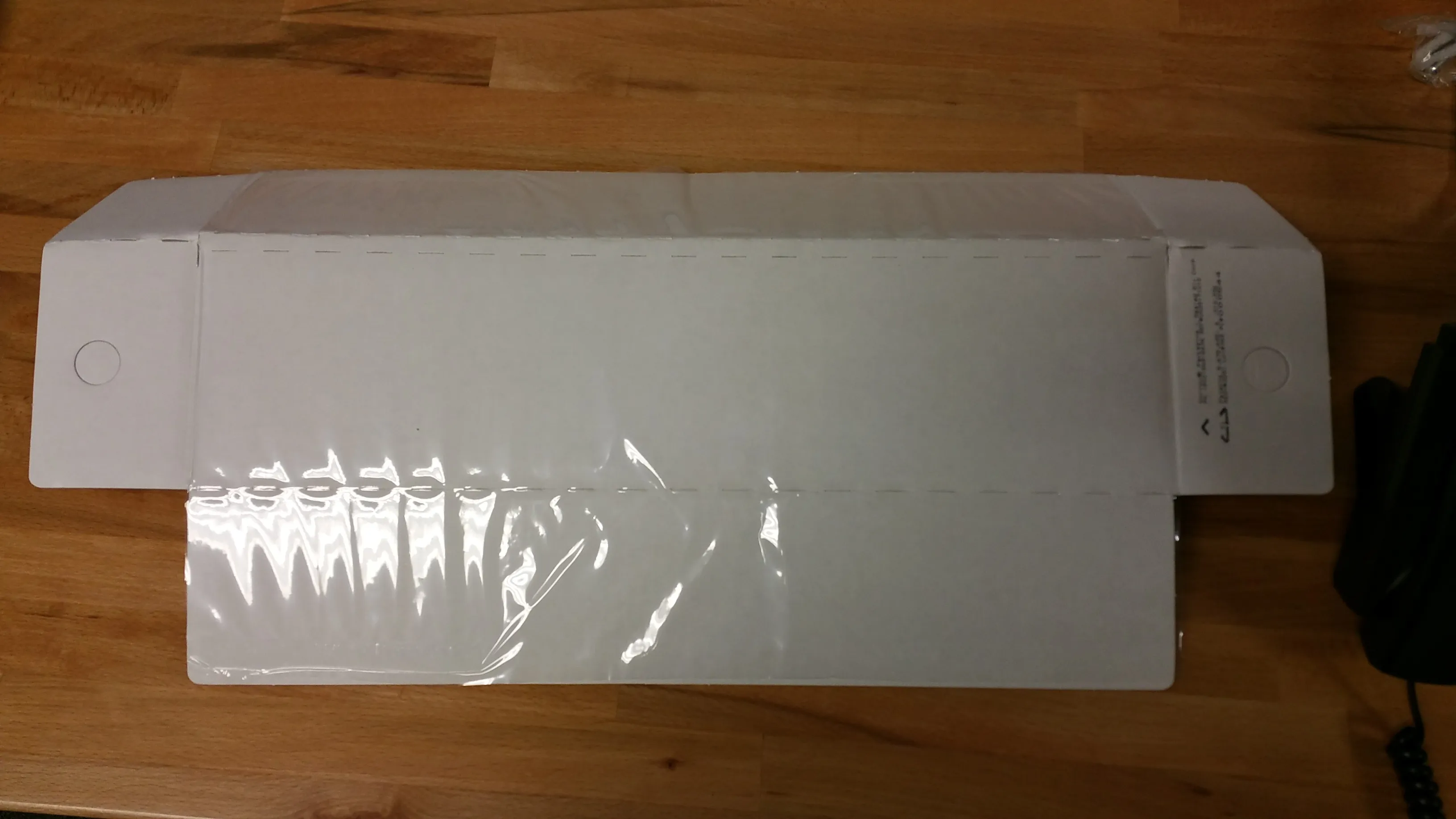
Step 6: Insert Power Cord
Section titled “Step 6: Insert Power Cord”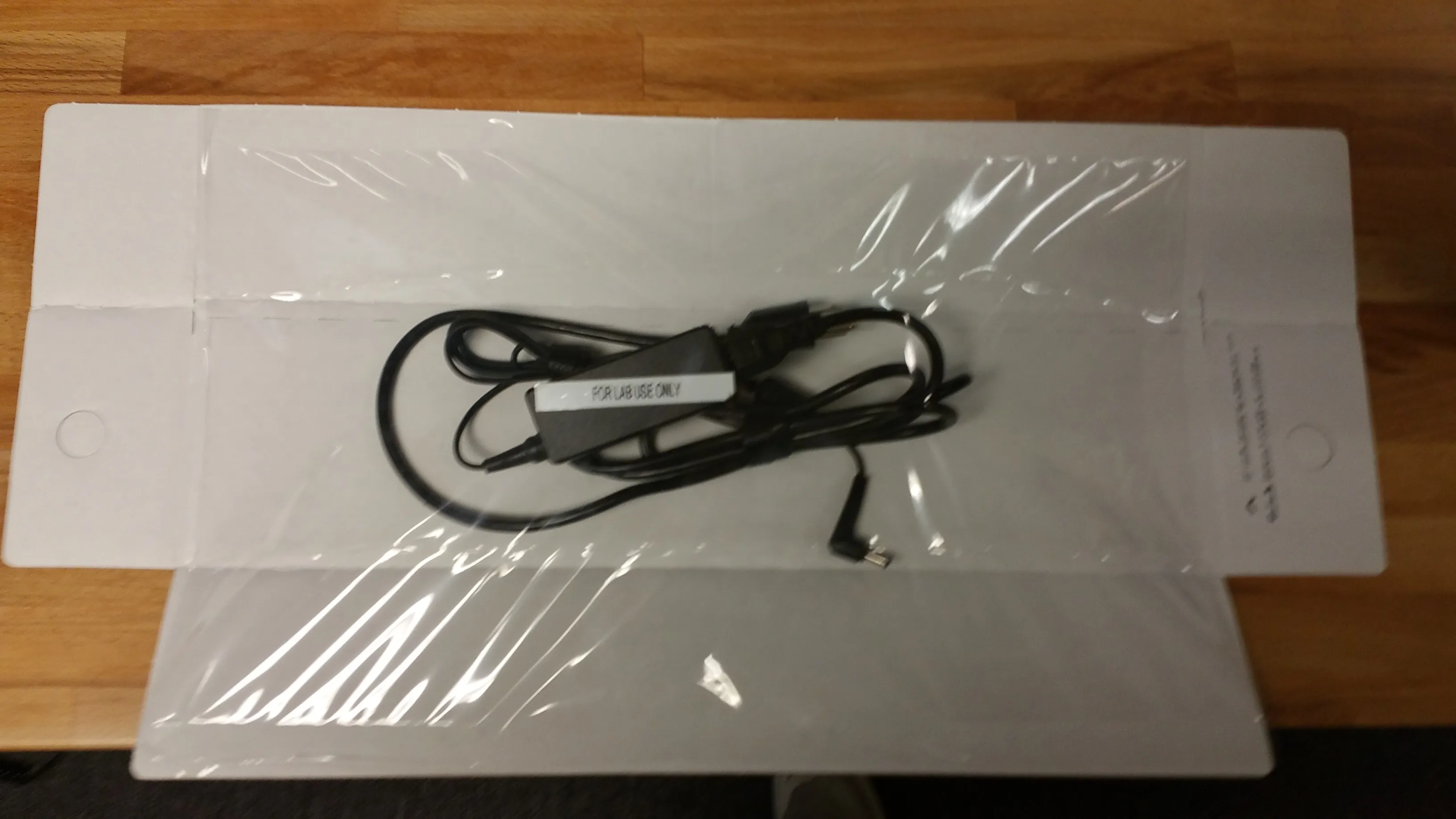
Make sure that you have aligned the power cord within the center area.
Step 7: Fold Along Edge
Section titled “Step 7: Fold Along Edge”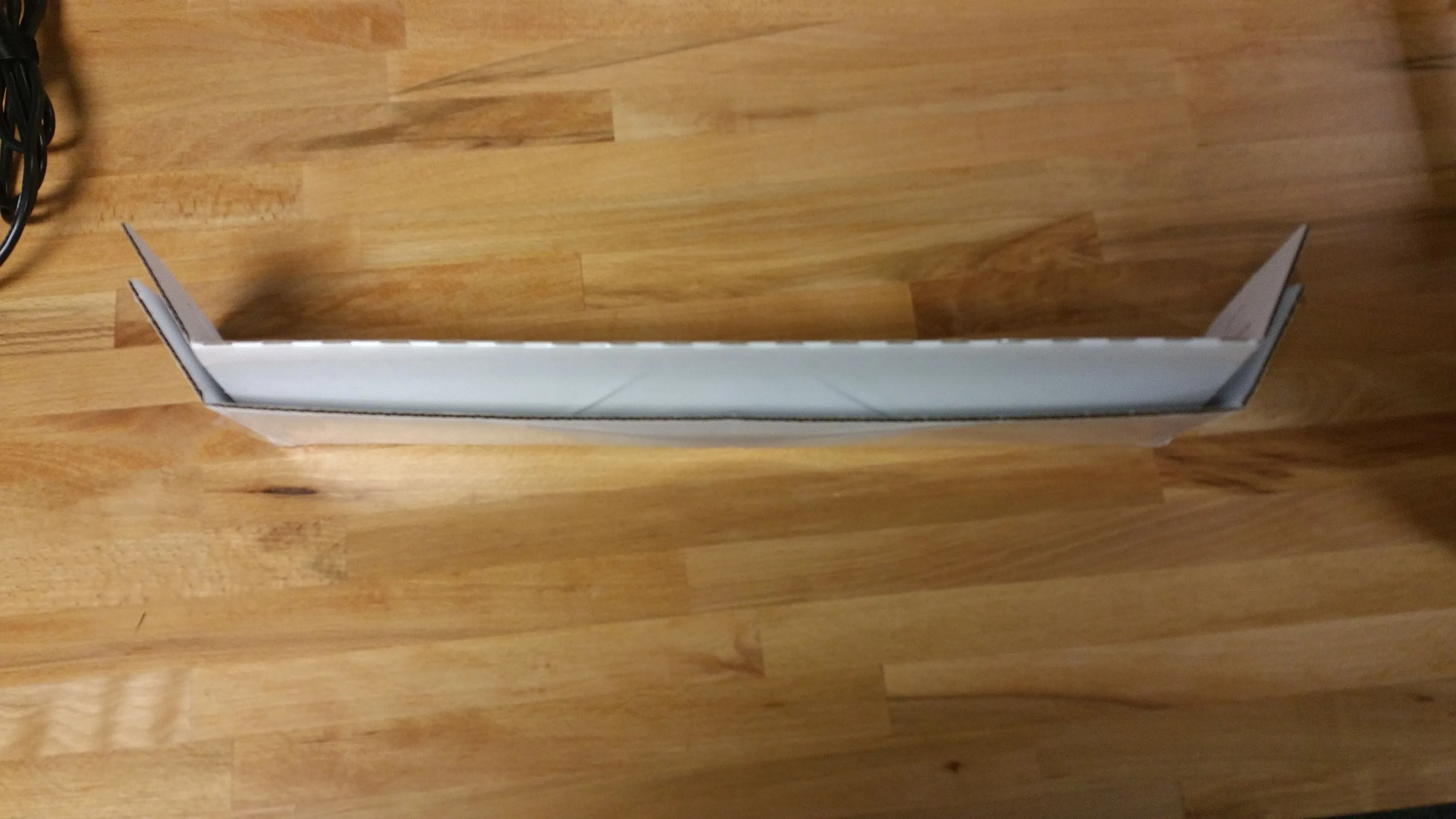
Make sure that the short fold is underneath the long fold as shown.
Step 8: Return to Box
Section titled “Step 8: Return to Box”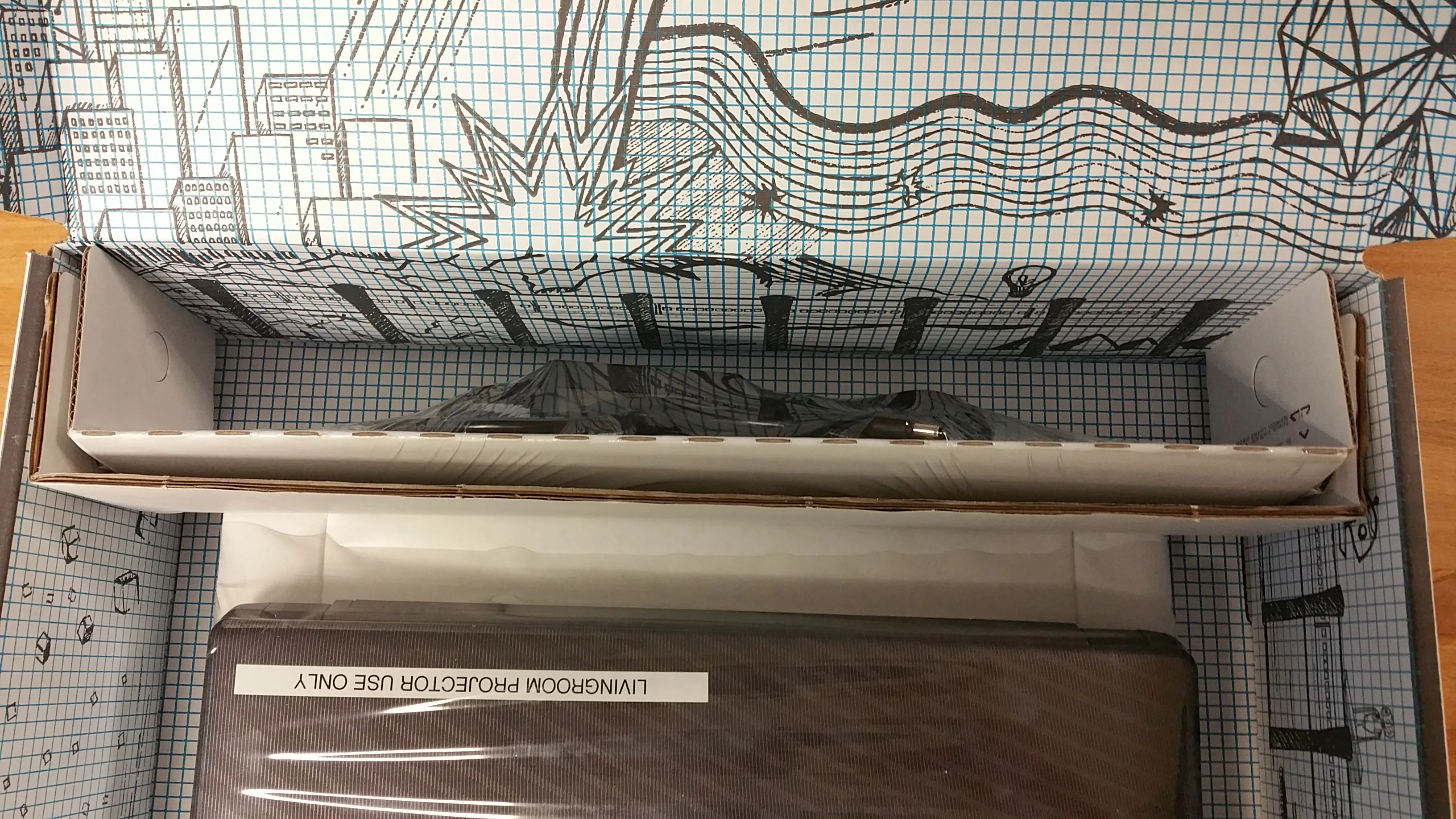
When shipping in the your system, make sure the “UN3481” Lithium battery warning label is not covered or damaged. A damaged warning can cause UPS to refuse to ship your system. If this is damaged on your box, please print and attach this replacement battery warning label PDF to the box.