
Support
Use 8 displays with NVIDIA NVS GPU
Install the NVIDIA driver
Section titled “Install the NVIDIA driver”To install the NVIDIA driver that System76 provides use this command:
sudo apt install system76-driver-nvidiaEnable SLI Mosaic
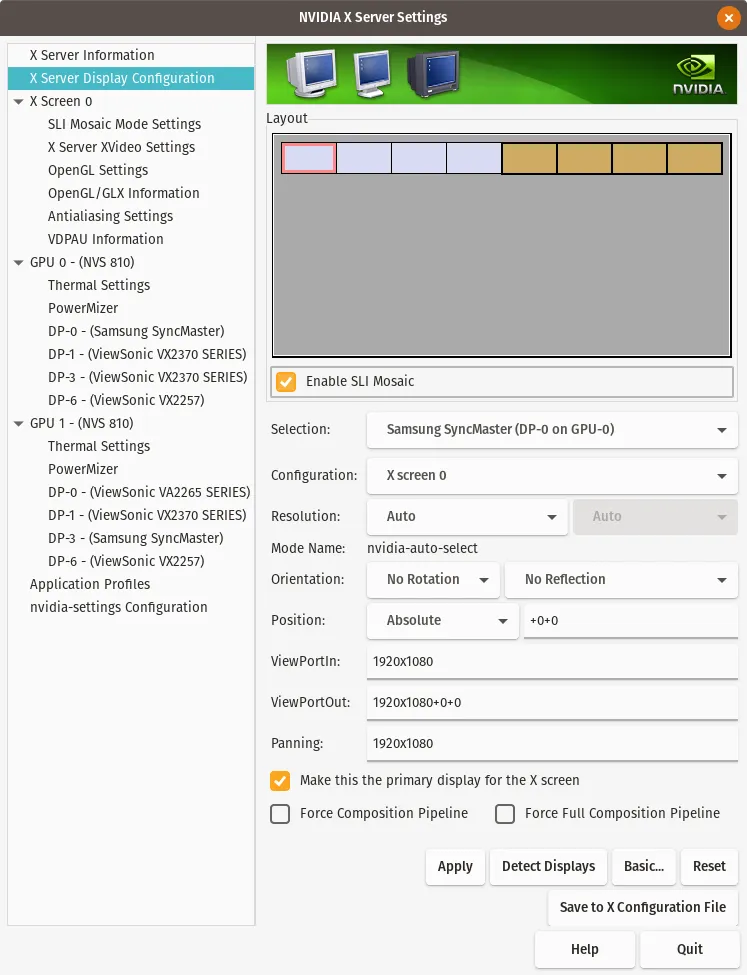
Section titled “Enable SLI Mosaic”Open NVIDIA X Settings, go to ‘X Server Display Configuration’, then select ‘Advanced…’ now click “Enable SLI Mosaic”.
Change Configuration
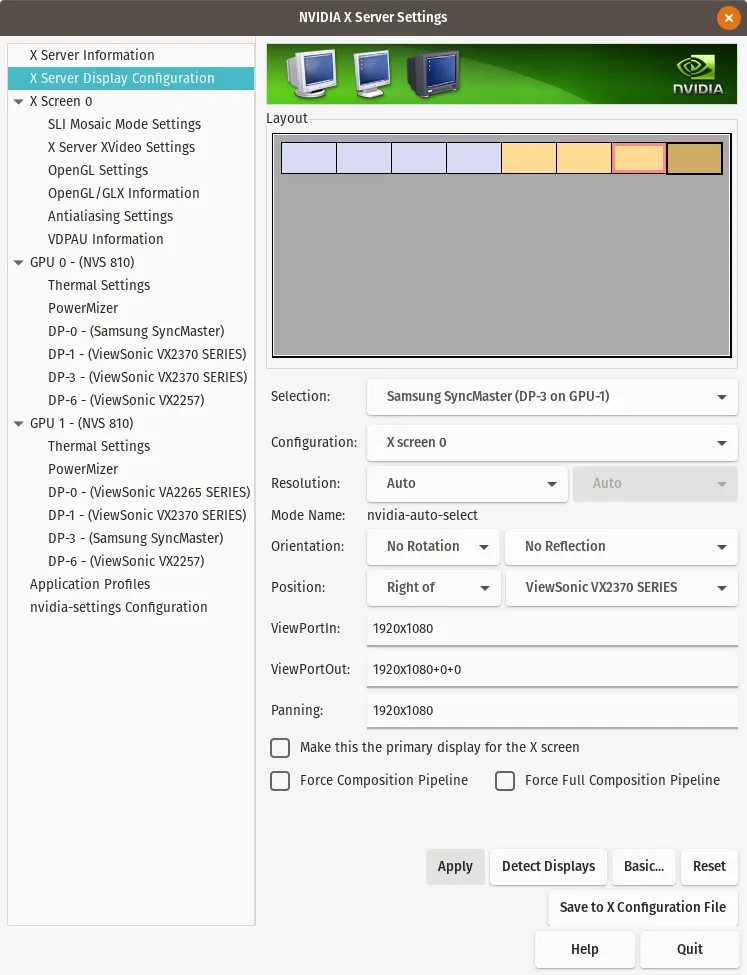
Section titled “Change Configuration”Select each of the orange colored displays and change their ‘Configuration’ to ‘X screen 0’.
Before
Section titled “Before”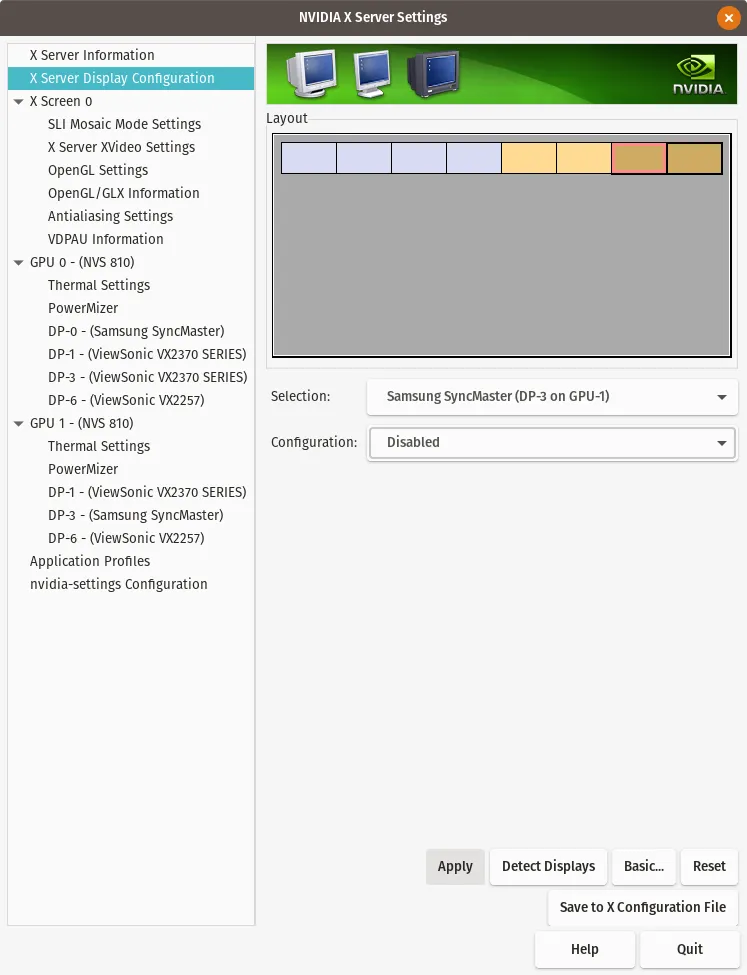
Save Configuration
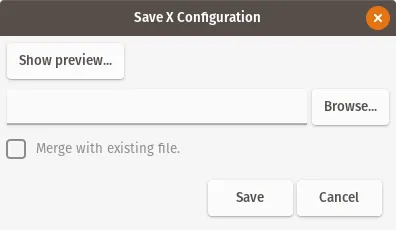
Section titled “Save Configuration”Select ‘Save to X Configuration File’ and now click ‘Save’. Once the computer is rebooted the new settings will take effect.