

Support
Install Minecraft!
Alright! Hitch on and let’s go on!
Pop!_OS
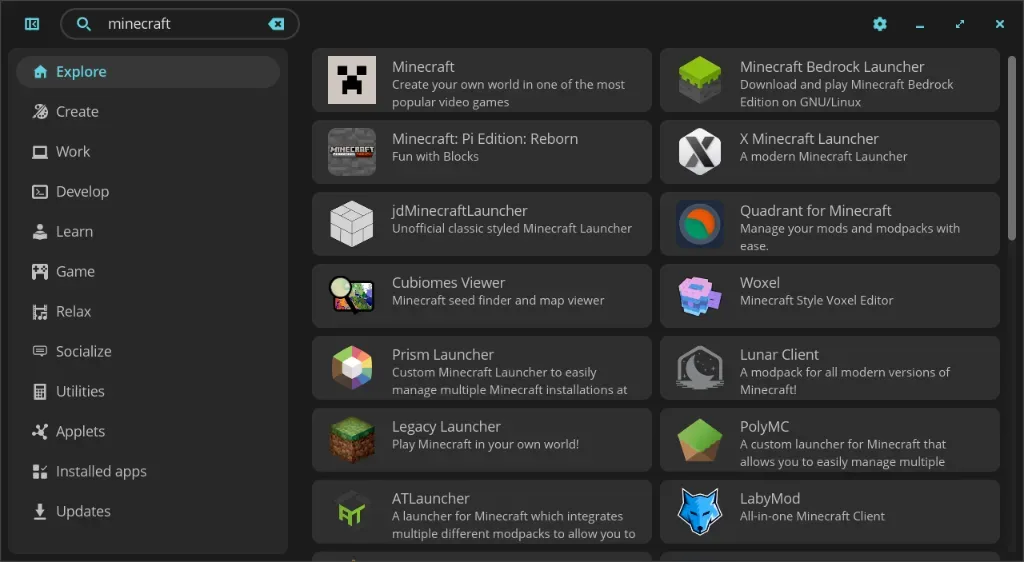
Section titled “Pop!_OS”First, open the COSMIC Store (or the Pop!_Shop on versions 22.04 and below). Next, type “minecraft” into the search bar, and click “Minecraft”.
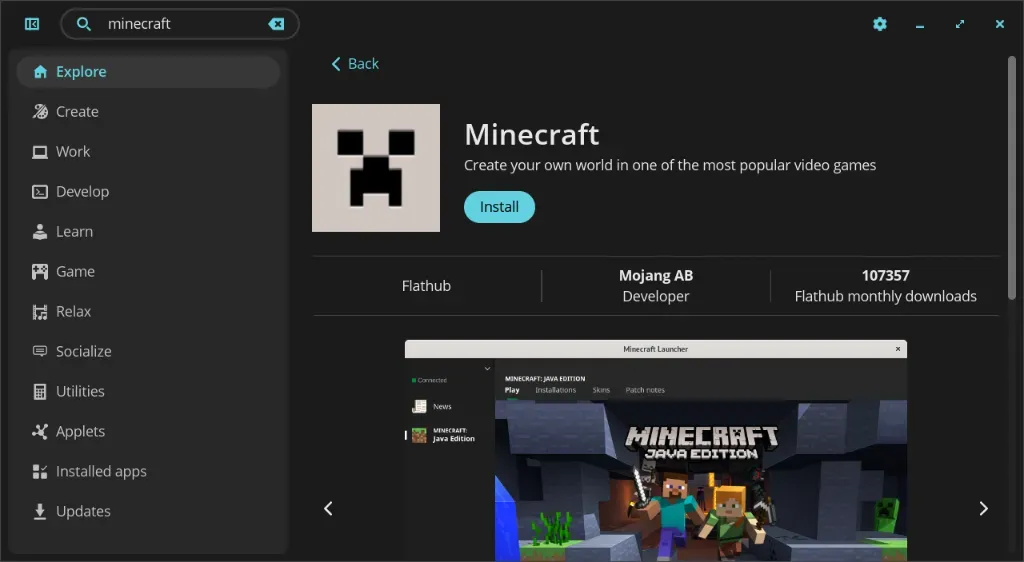
Next, click Install.
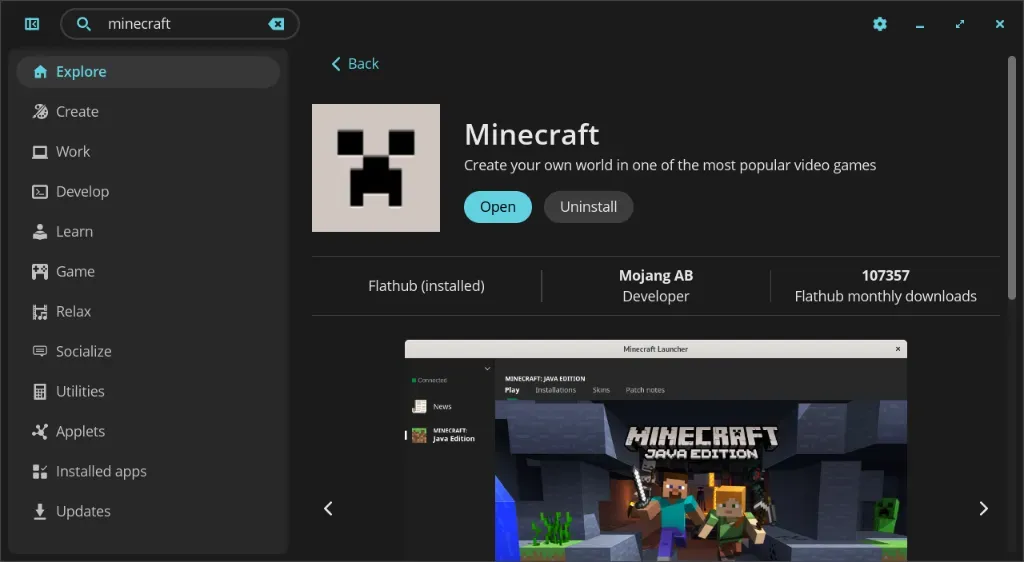
Now you will have installed Minecraft! Open Minecraft and log in with your username and password to start playing!
Debian and Ubuntu
Section titled “Debian and Ubuntu”Go to minecraft.net and download the Debian + Debian based version. Open the downloaded .deb file to install.

Alternatively, you can use the terminal:
wget https://launcher.mojang.com/download/Minecraft.debsudo dpkg --install Minecraft.debNow start Minecraft from the app launcher! Log in with your username and password to start playing!
This article was contributed by kylerschin and remcohaszing.