
DaVinci Resolve (Install)
GPU requirements
Section titled “GPU requirements”DaVinci Resolve requires an NVIDIA GPU to run. (Intel GPUs lack the necessary OpenCL support. For AMD GPUs, the proprietary AMDGPU-PRO driver that Resolve depends on does not support the newer kernel version that Pop!_OS includes.)
Install prerequisite packages
Section titled “Install prerequisite packages”The following packages will be needed to build, install, and run DaVinci Resolve:
sudo apt install fakeroot libglu1-mesa libssl3 ocl-icd-opencl-dev qtwayland5 xorrisoDownload DaVinci Resolve and the MakeResolveDeb script
Section titled “Download DaVinci Resolve and the MakeResolveDeb script”Please note that the MakeResolveDeb script is not created by Black Magic or System76 and is maintained by the community.
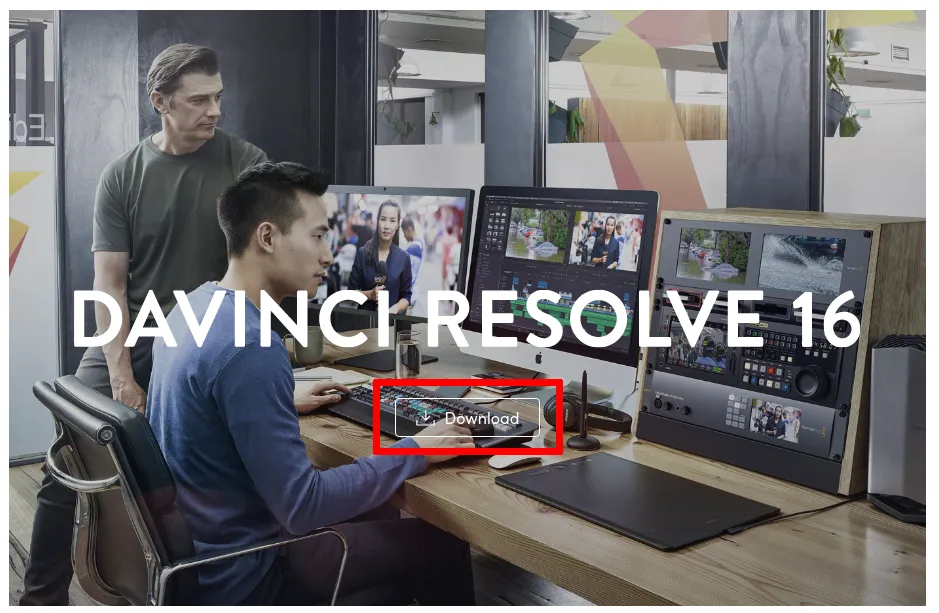
DaVinci Resolve can be downloaded here. Select the regular DaVinci Resolve version and not the Studio version, unless you have a license for the Studio version.
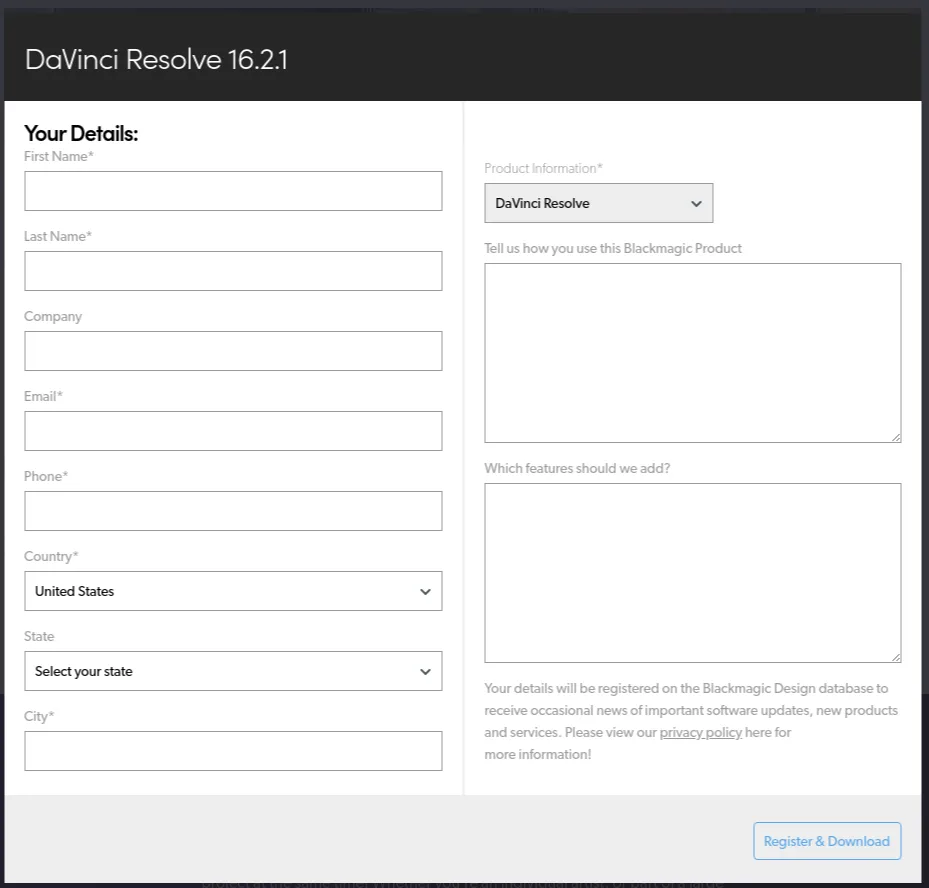
Before DaVinci Resolve will download, the website asks you to fill in a contact form (shown below).
Also download the MakeResolveDeb script from here.
Extract the Zip Files
Section titled “Extract the Zip Files”Once DaVinci Resolve is downloaded, extract the zip file by right-clicking on the Davinci Resolve zip file in the Files application and selecting “Extract Here” from the menu.
Next, extract the MakeResolveDeb zip file into the same directory where the DaVinci Resolve files were extracted by right-clicking on the MakeResolveDeb zip file, selecting “Extract to…” from the menu, and choosing the newly created DaVinci Resolve directory.
Create the .deb File
Section titled “Create the .deb File”Open the DaVinci Resolve directory, right click on an empty space between/below the file icons, and select ‘Open in Terminal.’
In the new Terminal window, run this command to create an installable package for DaVinci Resolve:
./makeresolvedeb*.sh DaVinci_Resolve_*_Linux.runOnce the script finishes running and the terminal prompt returns, run this command to install DaVinci Resolve:
sudo dpkg -i davinci-resolve*_amd64.debAfter installing, DaVinci Resolve will be ready to launch from your Activities menu: