Support
Run Windows Programs in Pop!_OS Using Bottles
Bottles is a front end for Wine that uses environments to streamline configuration of libraries and dependencies. These environments simplify steps required to get up and running with Windows-only applications.
Considerations
Section titled “Considerations”A program must be compatible with Wine in order to run in Bottles. Not all Windows applications will work with Bottles.
Installation
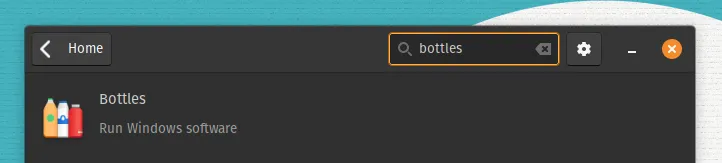
Section titled “Installation”The Bottles Flatpak is easily installed using the Pop!_Shop.
You can also install Bottles from the command line:
flatpak install flathub com.usebottles.bottlesCreate Your First Bottle
Section titled “Create Your First Bottle”You can choose a gaming, application, or custom environment. In this example, we will install a Windows application.
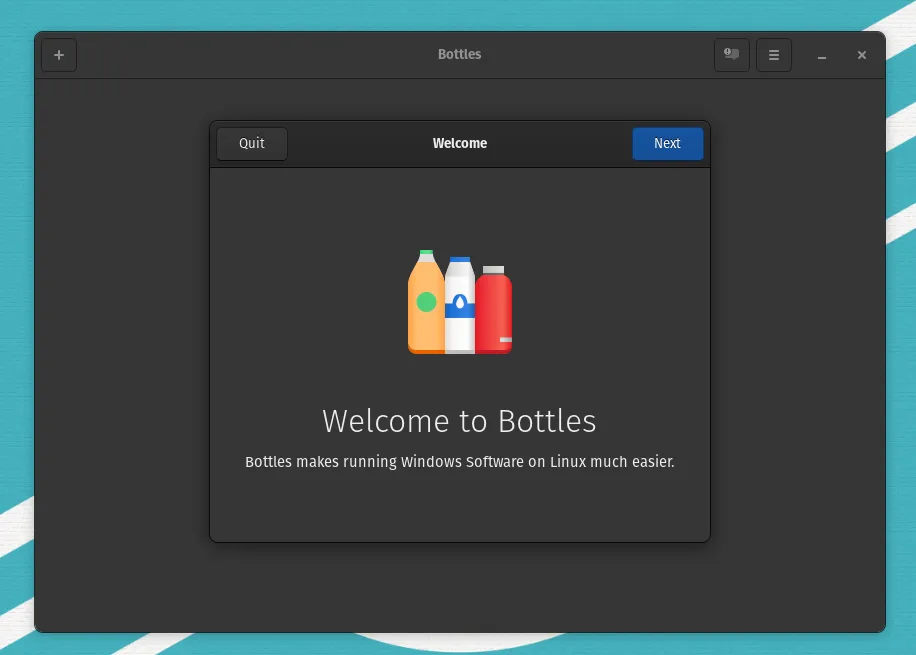
- Launch Bottles and click through the introductory screens. Click
Create a new Bottle.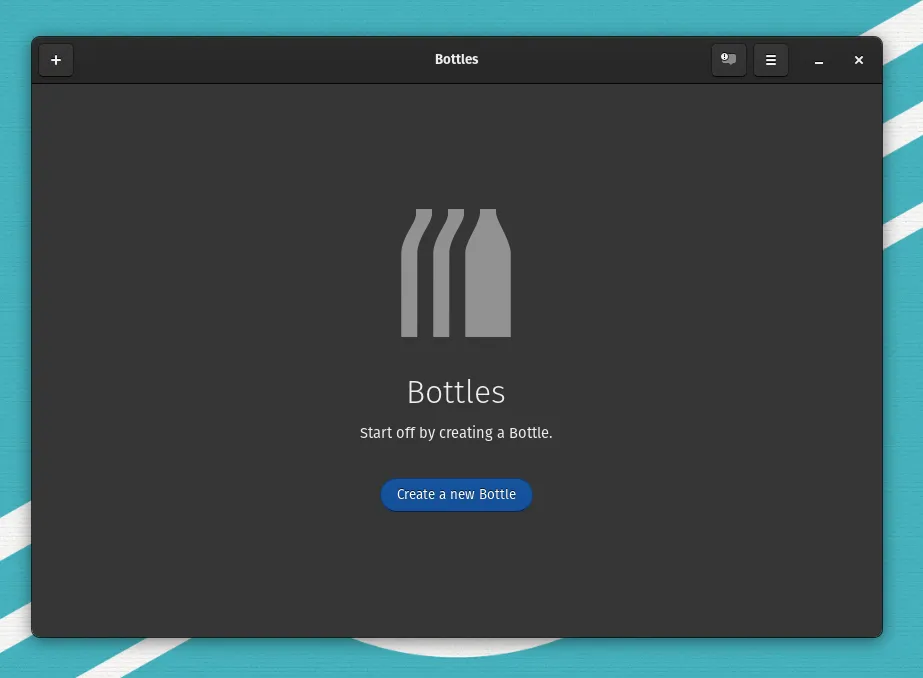
- Select the option to create an
Applicationenvironment. Enter a name for your new bottle, then clickCreate.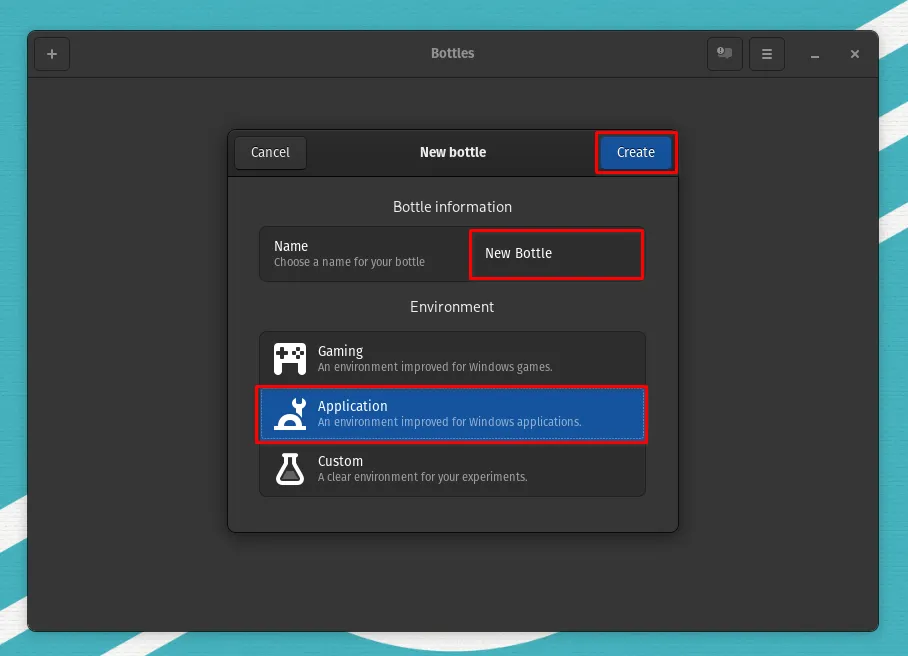
- Wait while required dependencies and libraries are installed. Click
Closewhen the process completes.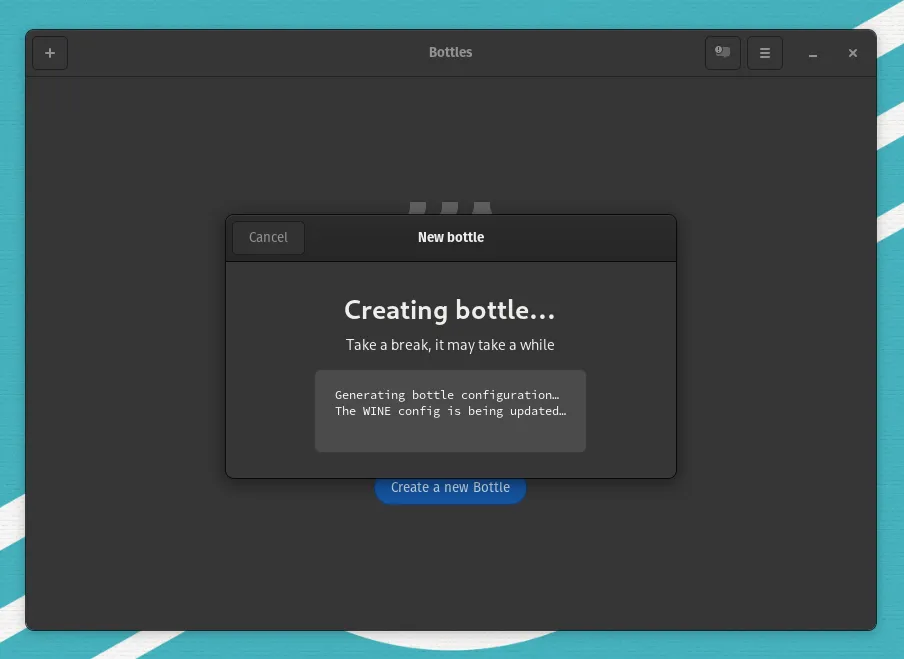
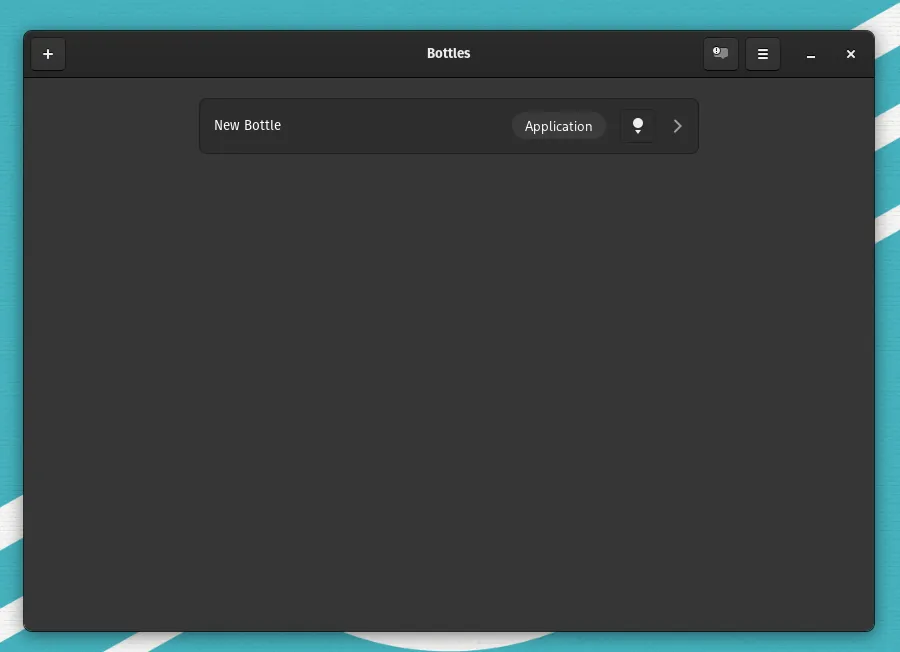
- Select your newly created bottle by clicking the
>.
- Click
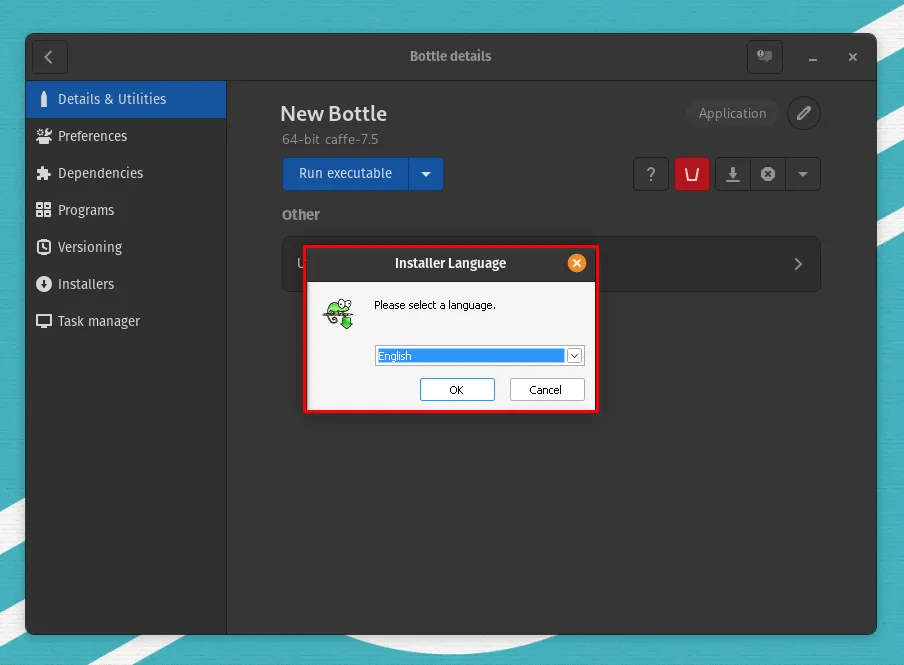
Run executable.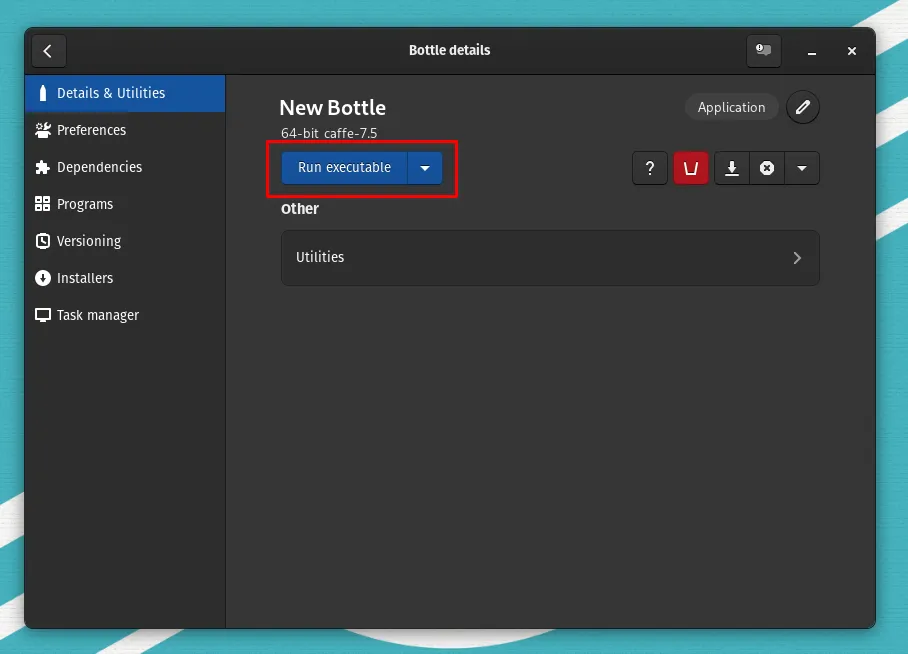
- Navigate to your .exe file.
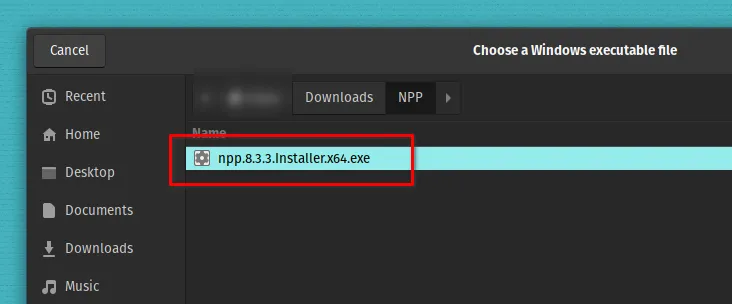
- Complete the setup wizard for your Windows executable.